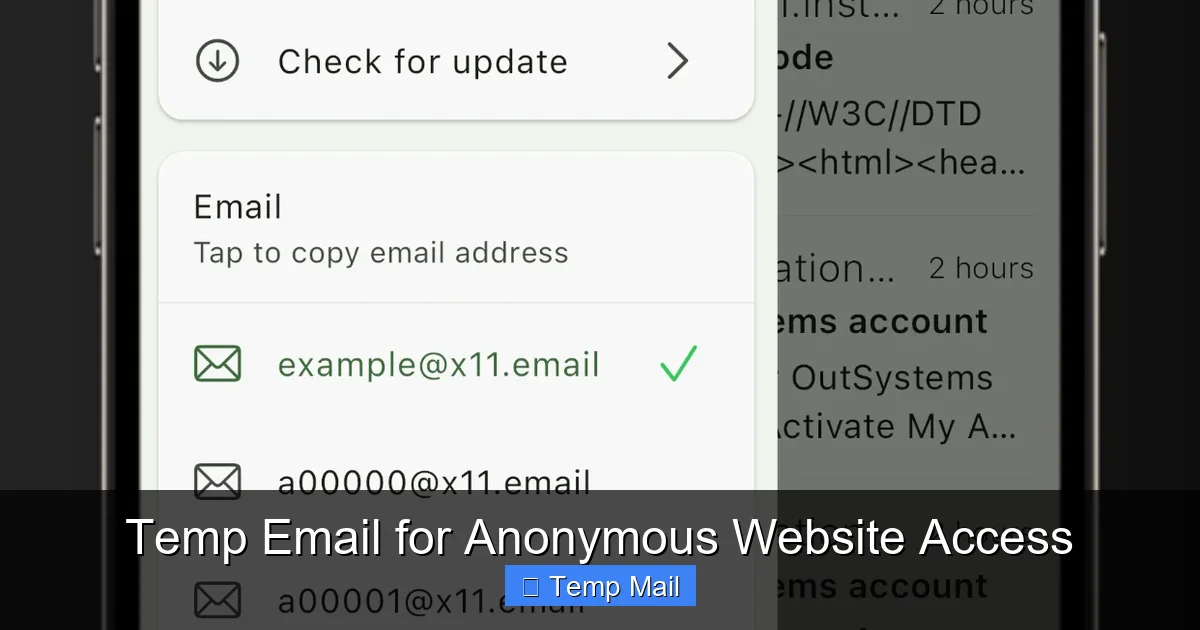
Your primary email address is a goldmine for marketers and hackers. Using a temporary email service is a simple, powerful way to create a disposable digital identity for any online interaction where you don’t want to share your real contact details. It acts as a protective barrier, filtering spam, preventing data leaks, and keeping your inbox—and personal information—clean and secure. This strategy is essential for safe browsing in the modern digital landscape.
Key Takeaways
- Primary Defense Against Spam: Temp mail stops promotional emails and newsletters from ever reaching your main inbox by providing a sacrificial contact point.
- Mitigates Data Breach Risks: If a service you used with a temp email is hacked, your real identity and primary email remain unaffected and safe.
- No Long-Term Commitment: These addresses are designed to be short-lived, automatically deleting after a set period (often 10 minutes to 24 hours), leaving no trace.
- Simplifies One-Time Tasks: Perfect for verifying an account to download a file, access a gated article, or test a service without future obligation.
- Enhances Online Anonymity: Reduces the digital footprint tied to your primary email, making it harder to profile your online behavior across platforms.
- Not for Critical Accounts: Temp emails are for low-stakes interactions; never use them for banking, primary social media, or any account requiring recovery or long-term access.
- Tool, Not a Panacea: While excellent for privacy, they are one layer of a broader digital hygiene strategy that includes strong passwords and 2FA.
📑 Table of Contents
- Your Inbox is Under Siege: Why Your Email Needs a Bodyguard
- What Exactly is a Temporary Email? The Disposable Address Explained
- The Core Benefits: How Temp Email Actively Protects Your Information
- Smart Use Cases: When to Reach for a Temp Email (And When Not To)
- Choosing a Temp Mail Service: What to Look For
- Limitations and Pitfalls: The Other Side of the Temp Mail Coin
- Best Practices for Safe and Effective Temp Mail Use
- The Future of Privacy: Temp Email as a Fundamental Right
Your Inbox is Under Siege: Why Your Email Needs a Bodyguard
Think about your primary email address. It’s likely the key to your social media, your online bank accounts, your Amazon orders, your professional networks. It’s a direct line to your digital life. Every time you type it into a website for a free e-book, a discount code, or a forum registration, you’re handing over a piece of your identity. That piece doesn’t just vanish. It gets added to marketing lists, sold to data brokers, and stored on servers that may not have the best security. The result? A flood of spam, a higher risk of phishing attacks, and a persistent digital shadow that follows you everywhere. This is where a temp email service becomes your personal digital bodyguard. It’s not about being paranoid; it’s about being practical and proactive in an era where personal data is a commodity.
Using a temporary email is a conscious choice to compartmentalize your online activity. You create a clear firewall between your essential, private life and the myriad of low-stakes, one-off interactions that define modern web use. It’s the online equivalent of giving a fake phone number to a pushy salesperson at the mall. You get what you need (the discount, the access) without sacrificing your real contact information. In this guide, we’ll dive deep into exactly how temp email works, its powerful benefits for privacy, the smartest ways to use it, and the critical limitations you must understand to stay safe and effective.
What Exactly is a Temporary Email? The Disposable Address Explained
More Than Just a Spam Filter
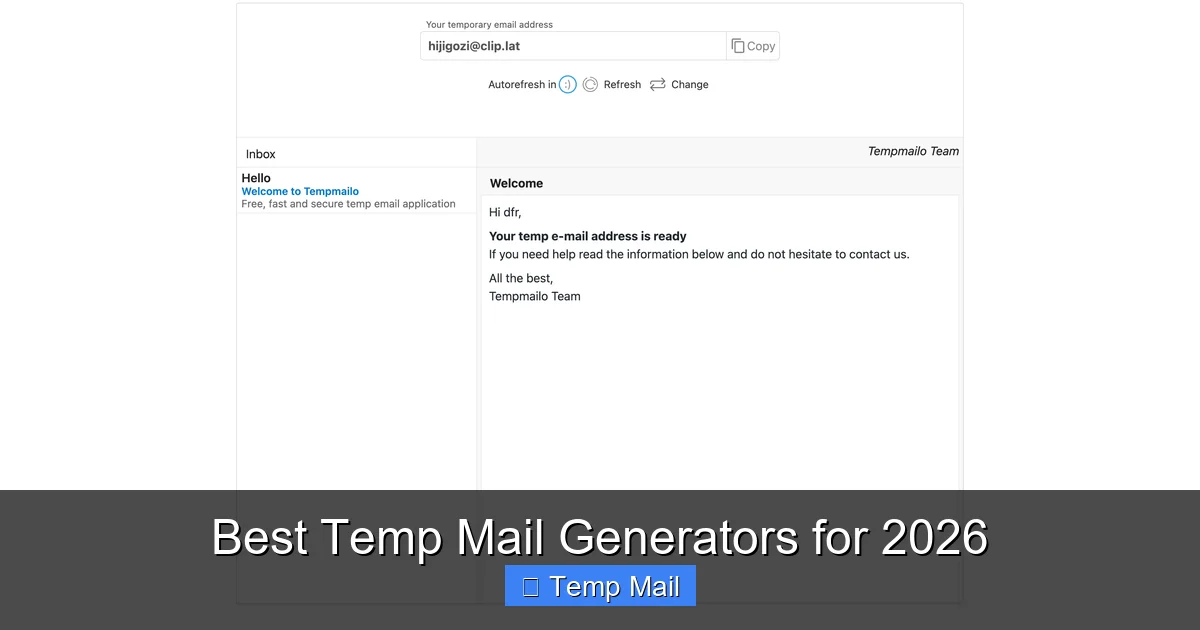
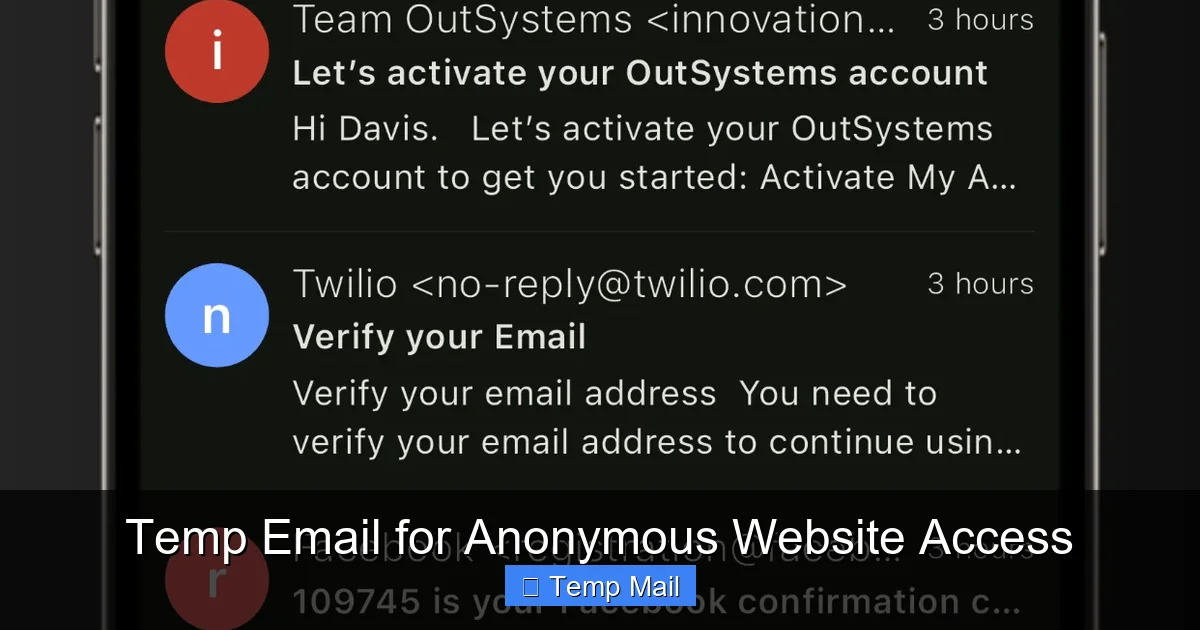
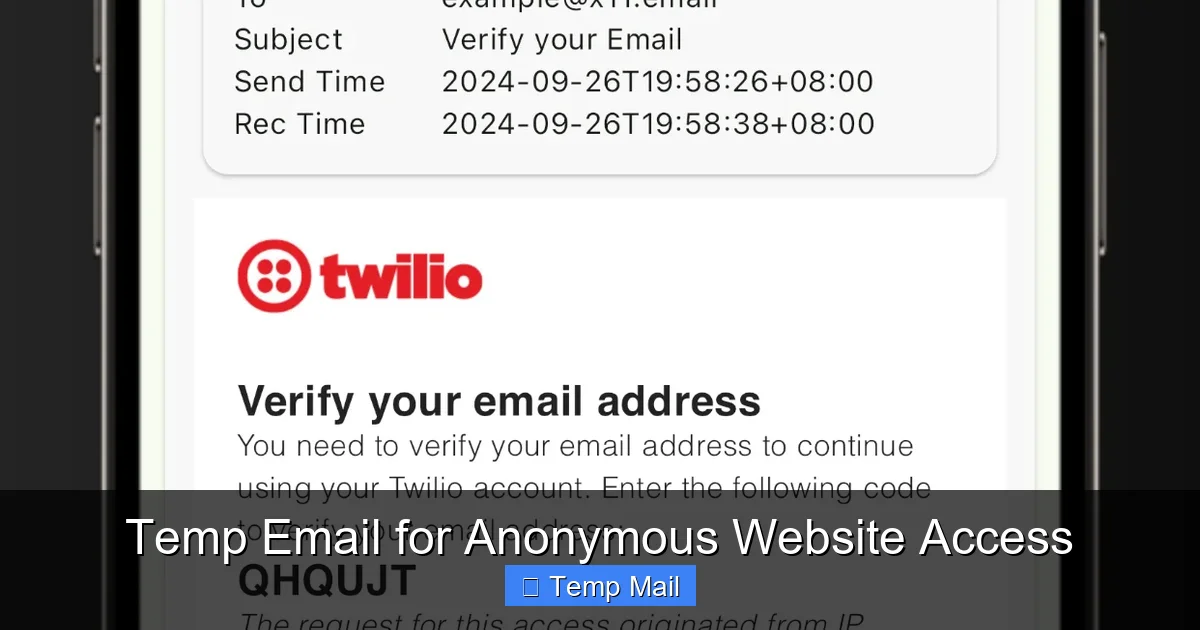
A temporary email, often called a “temp mail” or “disposable email,” is a service that provides you with a random, functional email address for a short, predefined period. Unlike Gmail, Outlook, or Yahoo, which are designed for permanent, long-term use with recovery options and extensive storage, temp mail is designed to be ephemeral. You visit a website like Temp-Mail.org, Guerrilla Mail, or 10MinuteMail, and it instantly generates an address for you, something like [email protected]. You can then use this address to receive a verification email or a download link. Once the timer expires (which can be anywhere from 10 minutes to 48 hours, depending on the service), the address and all its emails are permanently deleted from the server, never to be seen again.
Visual guide about Temp Email for Protecting Personal Information
Image source: brad9884cyberbulling.weebly.com
How It Works Under the Hood
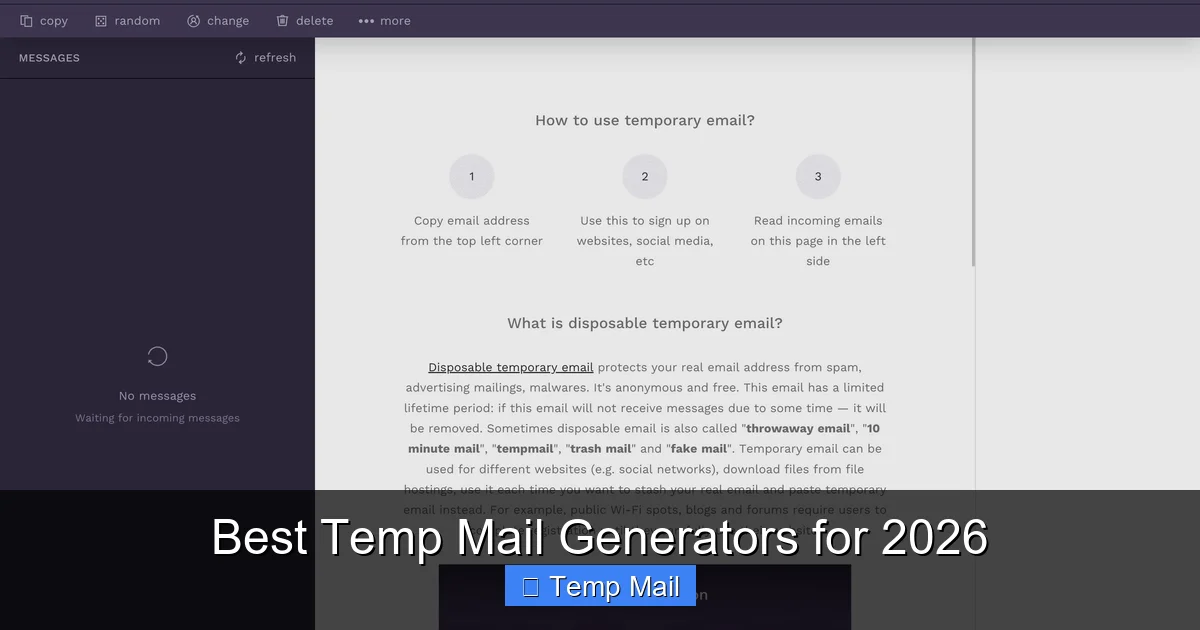
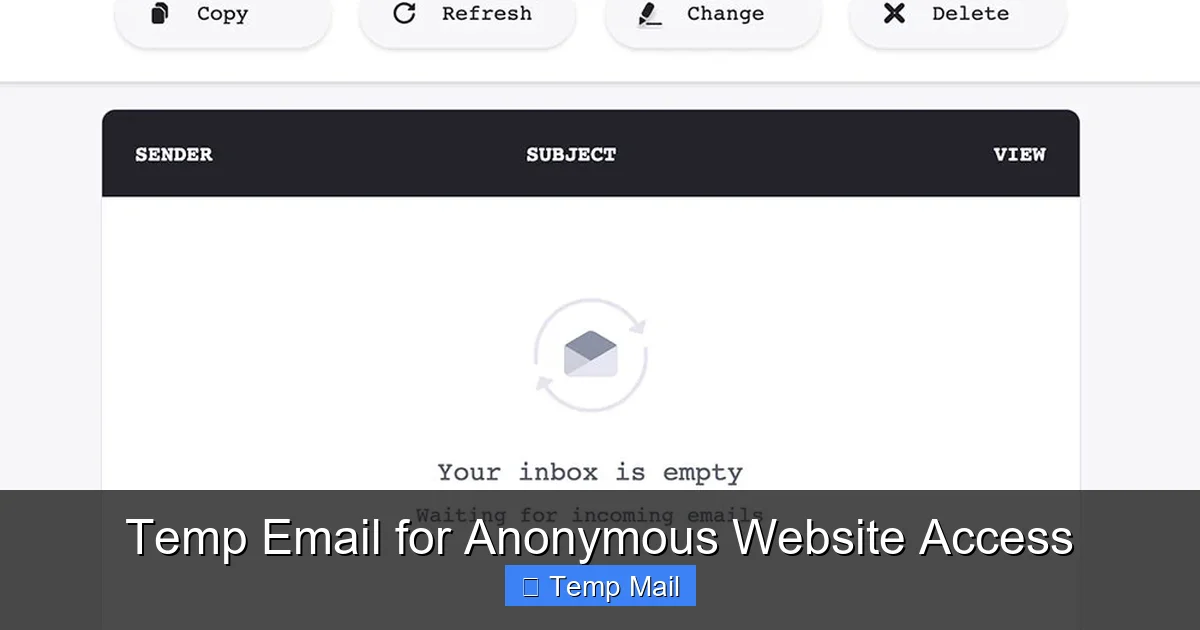
The technology is surprisingly straightforward. These services maintain large pools of domain names and generate unique inboxes on their servers. When you arrive on their site, they assign you one of these inboxes and display the corresponding email address. The inbox is accessible only through the unique URL they provide you on that visit. When an email is sent to your temp address, it lands in that specific, temporary inbox on their server. You read it right there on their website. There is no password, no persistent login. Once you close the browser tab or the timer runs out, that inbox is purged. For the sender, it looks like a normal email delivery. For you, it’s a clean, no-fuss, no-commitment transaction.
The Core Benefits: How Temp Email Actively Protects Your Information
1. The Ultimate Spam Shield
This is the most obvious and immediate benefit. Let’s say you want to download a whitepaper from a marketing site. They ask for your email. You provide your temp address. You get the download link. Then, you forget about it. What happens? The marketing company’s email system, which now has your temp address, might send you a follow-up newsletter or a promotion. It goes to the temp inbox, which expires in an hour. Your primary inbox stays blissfully empty. Over time, this single action prevents thousands of unwanted emails from ever touching your main account. It breaks the cycle of signing up for something minor and then being trapped in a subscription you can’t easily cancel.
Visual guide about Temp Email for Protecting Personal Information
Image source: thumbs.dreamstime.com
2. Containing the Fallout from Data Breaches
Data breaches are not a matter of if but when. Major companies, from credit agencies to popular apps, suffer breaches that leak user databases. These databases contain usernames, passwords (often hashed, but not always), and crucially, email addresses. If you used your primary email to sign up for a service that gets breached, your address is now in the hands of criminals. They can use it for targeted phishing (“We’re from that breached company, click here!”), credential stuffing attacks (trying that password on your other accounts), or simply sell it. If you had used a temp email for that low-priority service, the breached database contains a dead-end address. The breach is contained; your real identity is not exposed.
3. Preserving Anonymity and Reducing Your Digital Footprint
Every account linked to your primary email helps build a profile of your interests, location, and behavior. Advertisers and data aggregators love this. By using a temp email for anonymous forum sign-ups, casual gaming accounts, or comment sections, you prevent those activities from being directly tied back to your core identity. It’s a small but significant step in practicing data minimization—only providing personal information where absolutely necessary. This doesn’t make you invisible, but it certainly makes you a much smaller and less valuable target for profiling.
4. Bypassing “Email Gating” Without the Guilt or Clutter
How many times have you wanted to read an article or see a resource only to be hit with a “Enter your email to continue” wall? Using your main email feels like a commitment you don’t want to make. A temp email lets you politely decline that commitment. You get the content you need immediately, and the publisher gets a valid (for a short time) email address that satisfies their lead generation form. It’s a fair exchange that respects your desire for access without forcing a long-term relationship.
Smart Use Cases: When to Reach for a Temp Email (And When Not To)
The Perfect Scenarios for Disposable Addresses
The rule of thumb is: if the interaction is transient, the account is low-value, or the trust level is low, use a temp email. Here are prime examples:
Visual guide about Temp Email for Protecting Personal Information
Image source: images.ctfassets.net
- Downloading Gated Content: E-books, whitepapers, templates, and research reports that require an email for instant download.
- Signing Up for Trials: Free trials of software, streaming services, or tools where you just want to test the product and are confident you’ll cancel before payment. (Note: some services require a valid credit card even for trials, which temp mail doesn’t solve).
- Accessing Wi-Fi or Public Services: Many airports, cafes, and venues require an email to log into their guest Wi-Fi. A temp email is perfect here.
- Registering on Unknown or New Platforms: Trying out a new social network, forum, or app you’re unsure about. If it turns out to be spammy or insecure, your temp address will die, and you can walk away clean.
- One-Time Verification: Any situation where a website sends a one-time PIN or link, like for a simple API test or a single-use discount code.
- Protecting Identity on Dating/Personals: For initial contact on platforms where you might not want to share your real email until you establish trust.
The Critical “NEVER” List: Accounts That Must Use Your Real Email
This is the most important safety section. Never, ever use a temporary email for any service that is important, financial, or requires account recovery. This includes:
- Banking, Financial Services, Crypto Wallets: You will be locked out permanently if you lose access. Security and recovery are paramount.
- Primary Social Media Accounts (Facebook, Instagram, Twitter/X, LinkedIn): These are central to your digital identity. Recovery often requires email or phone. Losing access is a major headache and security risk.
- Main Cloud Storage (Google Drive, iCloud, Dropbox): Your photos, documents, and backups are irreplaceable. Account recovery is essential.
- Primary Email Account Itself: You cannot recover a temp email. Using one for your main email provider’s recovery is a recipe for permanent loss.
- Any Account with a Paid Subscription You Care About: If you want receipts, subscription management, or customer support, you need a permanent address.
- Government or Official Services: Tax agencies, official portals, or anything with legal standing will require a verifiable, permanent email.
Choosing a Temp Mail Service: What to Look For
Not all temp email providers are created equal. While most function on the same basic principle, some features and reputations vary. Here’s your checklist for selecting a service:
1. Inbox Duration and Customization
How long does the inbox last? Common options are 10 minutes, 1 hour, 1 day, or until you manually delete it. For most uses, 1-2 hours is sufficient. Some services allow you to extend the timer or choose a custom domain. Consider your typical workflow—if you need more time, pick a service with a longer default lifespan like 24 hours.
2. Domain Variety and Customization
Some services offer multiple domain options (e.g., @tempmail.net, @dispostable.com). A few even let you create a custom alias within their domain (e.g., [email protected]). This can be useful for organizing different uses or for sites that block known temp mail domains.
3. Security Features
Look for services that use HTTPS (all reputable ones do). Some offer additional features like password protection for a specific inbox (rare, but exists) or the ability to manually delete emails before the timer expires. Understand their privacy policy—do they log IP addresses? Most reputable services claim not to store or link your session to your real IP after the inbox expires.
4. User Interface and Reliability
The interface should be clean, fast, and clearly show the countdown timer and the inbox. You don’t want a confusing site when you’re waiting for a critical verification email. Read recent user reviews to check for reliability—does it often fail to receive emails from major providers like Gmail or Outlook? Some domains are blacklisted by certain companies, so you might need to switch services if one consistently fails.
5. No Installation Required
The beauty of web-based temp mail is that it requires no software download or browser extension (though some offer extensions for convenience). This reduces the risk of malware. Stick to the official website of the service you choose.
Limitations and Pitfalls: The Other Side of the Temp Mail Coin
Temp email is a powerful tool, but it has clear and important limitations. Ignoring these can lead to frustration or security mistakes.
1. The “Blacklist” Problem
Because temp mail is often used for spam and fraudulent sign-ups, many major companies and platforms actively blacklist known disposable email domains. You might try to sign up for a legitimate service—say, a popular newsletter or a gaming platform—and find that the temp email domain is rejected during registration. There’s no workaround for this; the service has decided not to accept emails from that domain. You may need to try a different temp mail provider or, for that specific service, use your real email.
2. No Account Recovery, Period
This cannot be stressed enough. If you use a temp email to sign up for an account and later forget your password, you will be locked out forever. There is no “forgot password” link that goes to a live inbox. The account is dead. This is why the “NEVER” list in Section 3 is so critical. Only use temp mail for accounts you are 100% willing to abandon without recovery.
3. Limited Functionality
Temp inboxes typically only support receiving emails. You almost never can send emails from them. They also lack features like folders, labels, powerful search, or integration with other apps. They are a simple, read-only inbox for a specific purpose.
4. Potential for Abuse and Suspicion
Using a temp email can signal to a website that you are privacy-conscious or possibly trying to avoid tracking. While this is your right, it might cause some services to apply extra scrutiny, delay your sign-up, or offer a less personalized experience. In most cases, this is a minor inconvenience.
Best Practices for Safe and Effective Temp Mail Use
To integrate temp email seamlessly and safely into your digital routine, follow these practical tips:
Treat It Like a Physical Throwaway Phone
Use a different temp email for different purposes or websites if you want to keep some organization. For example, use one alias for all “download gated content” sites and another for “forum sign-ups.” This way, if one gets spammed within its lifetime, it doesn’t mix with emails for your other temporary uses.
Always Check the Timer
Before you leave the temp mail website tab open, note the countdown. If you’re expecting a verification email that might take a few minutes to arrive, ensure the timer is long enough. Some services auto-refresh the timer when you receive an email. If the timer is critical, consider copying the inbox URL to a safe note so you can return to it later if you accidentally close the tab.
Never Use It for Password Recovery or 2FA
This is a golden rule. If a service asks for an email for password reset links or two-factor authentication codes, that email must be permanent and under your control. A temp email will render these critical security features useless, locking you out or preventing you from securing the account.
Combine with a Password Manager
Your password manager is for your permanent, important accounts. Do not store passwords for accounts created with a temp email in your main password manager. The point is to forget about them. If you need to remember a password for a temporary service, use a separate, less secure method or just rely on the fact you’ll abandon it.
Clear Your Browser Data After Use
For an extra layer of privacy, once you’re done with a temp email session, clear your browser’s cookies and cache. This severs the direct link between that browsing session and the temporary inbox you used. On a public or shared computer, this is absolutely essential.
The Future of Privacy: Temp Email as a Fundamental Right
As data collection becomes more sophisticated and pervasive, tools that give users control over their personal information will move from “clever hacks” to essential utilities. Temporary email is one of the simplest and most effective forms of digital self-defense. It embodies the principle of least privilege—only giving out the minimum information required for a specific task. While it won’t solve all privacy problems, it directly attacks the spam and breach vectors that plague everyday internet users. The growing mainstream adoption of privacy-focused browsers, VPNs, and now disposable email signals a shift in user awareness. We are no longer willing to trade our primary contact details for every piece of free content. We are learning to compartmentalize our digital lives. Adopting a temp email service is a low-effort, high-impact first step in that direction. It’s a small act of rebellion against the constant data harvesting that defines the modern web, and it puts you back in the driver’s seat of your own information.
Frequently Asked Questions
Is using a temporary email legal?
Yes, using a temporary email service is completely legal. It is a legitimate tool for privacy protection. The legality only becomes an issue if the temporary address is used for fraudulent activities, signing up for services with intent to defraud, or to circumvent bans, which violates the terms of service of most platforms, not the law itself.
Are temporary emails safe from hackers?
They are safe in the specific context of protecting your primary identity. If a temp mail service itself is compromised, hackers would only gain access to the temporary inboxes and their transient emails, which contain no link to your real identity or primary accounts. The safety comes from the disposable nature; there’s nothing valuable to steal long-term. However, you should still use reputable services with HTTPS to avoid man-in-the-middle attacks on the temporary session.
How long do temporary email addresses last?
The lifespan varies by provider. Common durations are 10 minutes, 1 hour, 1 day, or 48 hours. Some services let you extend the time manually. The address and all its emails are permanently deleted from the server once the timer expires, making recovery impossible.
Can a temporary email be traced back to me?
Generally, no. Reputable temp mail services do not require any personal information to create an address and claim not to log IP addresses linked to specific inboxes after expiration. However, your internet service provider (ISP) can see that you visited the temp mail site. For true anonymity, you would need to use a VPN or Tor in conjunction with the temp mail service.
What is the main drawback of using disposable email?
The single biggest drawback is the absolute inability to recover an account created with one. If you forget a password for an account tied to a temp email, that account is permanently lost. This is why it is critically important to only use them for low-stakes, non-essential accounts as outlined in the “NEVER” list.
Should I use a temp email for all online sign-ups?
No. You should use a strategic approach. Use your permanent, secure email for essential, financial, and recovery-critical accounts (banking, main social media, primary cloud storage). Use a temporary email for everything else: newsletters, free downloads, forum trials, and any site where you do not want a lasting relationship or are unsure about its trustworthiness.