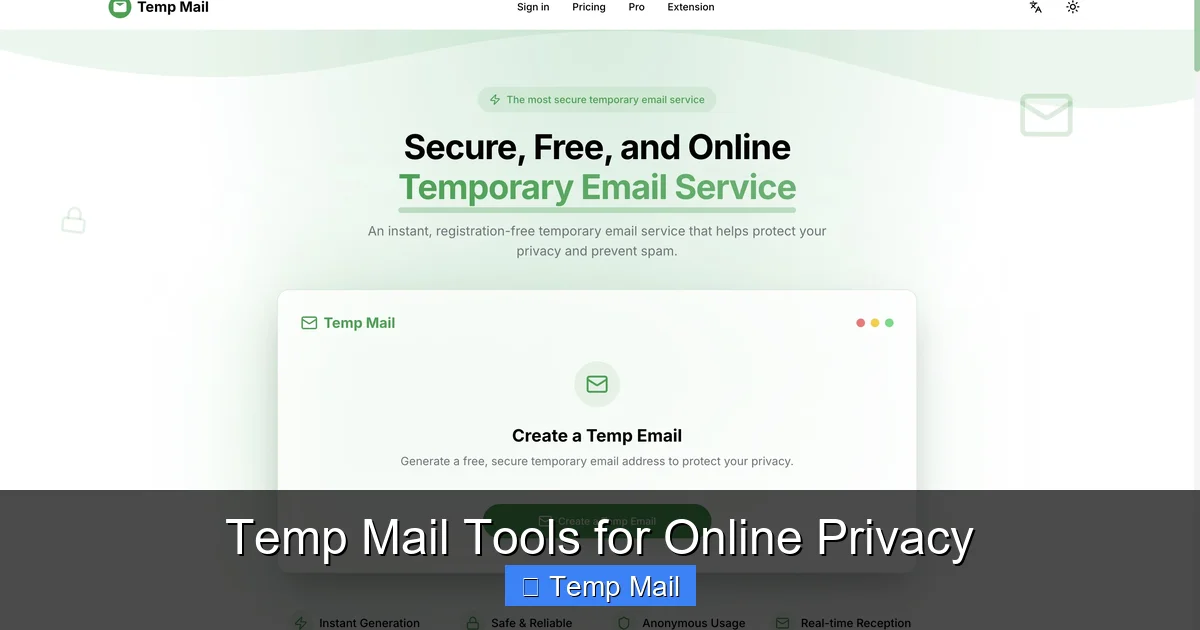
Disposable emails, or temp mail, are temporary email addresses that self-destruct after a short period. They work by generating random inboxes on demand without any personal registration, shielding your primary email from spam, data breaches, and unwanted marketing. Perfect for one-time sign-ups or downloads, they are a simple tool for enhancing online privacy, but they shouldn’t be used for critical accounts or sensitive transactions.
Let’s be honest. Your primary email address is a magnet. It’s the key to your social life, your finances, your work, and a seemingly endless stream of promotional newsletters you signed up for three years ago for a 10% discount. Every time you use it online, you’re handing out a piece of your digital identity. What if there was a way to hand out a decoy instead? Enter the world of disposable email, or as it’s commonly known, temp mail. It’s a brilliantly simple concept that acts as a privacy shield and a spam filter all in one. But how do these ephemeral inboxes actually work? In this deep dive, we’ll unravel the technology, the practical steps, and the smart strategies behind using temporary email addresses.
Key Takeaways
- Disposable emails are temporary: They are created instantly for short-term use and automatically delete their inboxes after minutes or hours, leaving no digital trace.
- No personal information is required: These services generate random addresses without asking for your name, phone number, or recovery email, ensuring anonymity from the start.
- Primary purpose is spam prevention: By using a temp mail for low-trust websites or one-time downloads, you prevent those entities from ever accessing your permanent email address.
- They are not for important accounts: Never use a disposable email for banking, social media logins, or any service where account recovery is essential, as you will permanently lose access.
- Senders cannot typically identify them as disposable: To the sending website or service, a temp mail address looks like any other email address, so they won’t know it’s temporary unless they have a specific blocklist.
- Security varies by provider: While many use HTTPS, some free services may scan emails for ads or have weaker data policies, so choosing a reputable provider is crucial for privacy.
- They simplify online testing: Developers and QA testers use disposable emails to automate account creation and testing workflows without managing multiple real inboxes.
📑 Table of Contents
- What Exactly Are Disposable Emails?
- The Technology Behind the Temp Mail Curtain
- A Step-by-Step Guide: Using Disposable Email in Practice
- Common Use Cases: When to Reach for Temp Mail
- Benefits and Crucial Limitations
- Choosing the Right Disposable Email Service
- Security and Privacy: The Essential Caveats
- The Future of Ephemeral Communication
- Conclusion: A Smart Tool for a Cluttered Digital World
What Exactly Are Disposable Emails?
Think of a disposable email address as a burner phone for your inbox. It’s a fully functional email address that you can use to receive messages, but it has a very short, predefined lifespan. Unlike your Gmail, Outlook, or Yahoo account—which you’ve likely had for years and is tied to your name, phone number, and countless passwords—a disposable email is anonymous, isolated, and meant to be used once and forgotten.
The Core Difference: Permanent vs. Temporary
Your permanent email is a digital home base. It’s tied to your identity through verification processes, contains years of personal and professional history, and is notoriously difficult to fully extricate from the internet if compromised. A disposable email is a digital motel room. You check in, use it for a specific, immediate purpose (like getting a download link), and leave without a trace. The service provider wipes the room clean moments after you check out.
Aliases vs. Truly Disposable Inboxes
It’s important to distinguish between two similar concepts: email aliases and disposable emails. An alias (like those offered by services such as SimpleLogin or AnonAddy) forwards mail from a unique address to your main inbox. You maintain control and can revoke the alias later. A truly disposable email, in contrast, provides a standalone inbox that you access directly on the provider’s website. Once the session expires or the inbox is cleared, that address and all its messages are gone forever. For the purpose of this guide, we’re focusing on the latter—the classic temp mail model.
The Technology Behind the Temp Mail Curtain
The magic of disposable email isn’t sorcery; it’s clever, efficient system design. The entire process is built for speed, anonymity, and automatic cleanup. Here’s a breakdown of what happens when you visit a temp mail website.

Visual guide about How Disposable Emails Work
Image source: funkyspacemonkey.com
1. Instant Address Generation
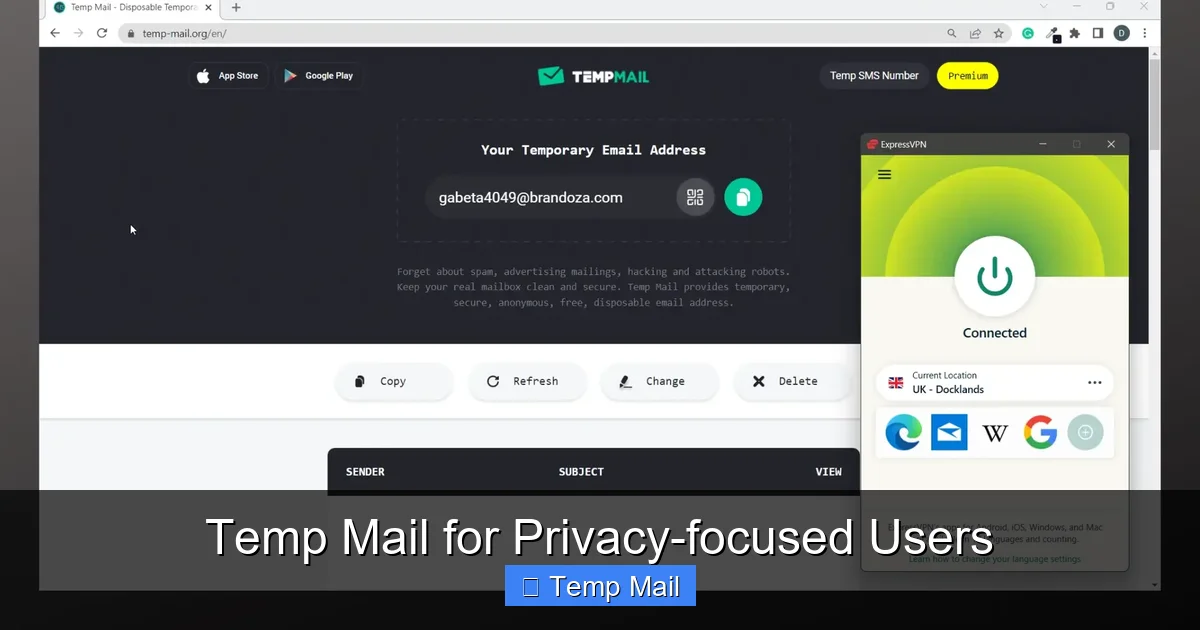
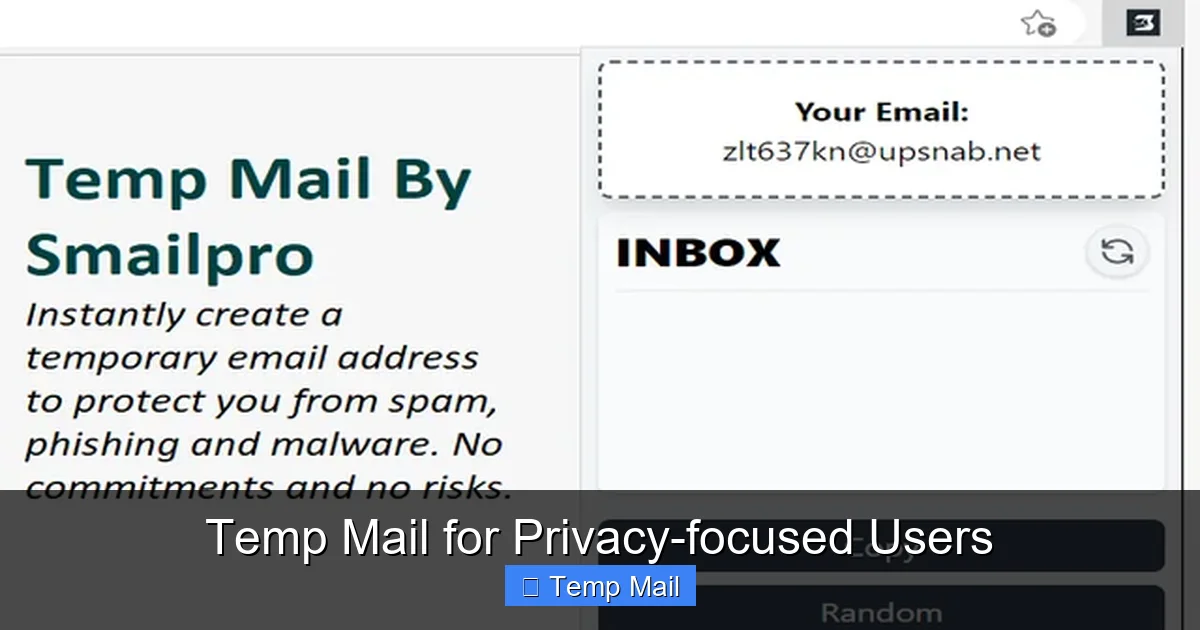
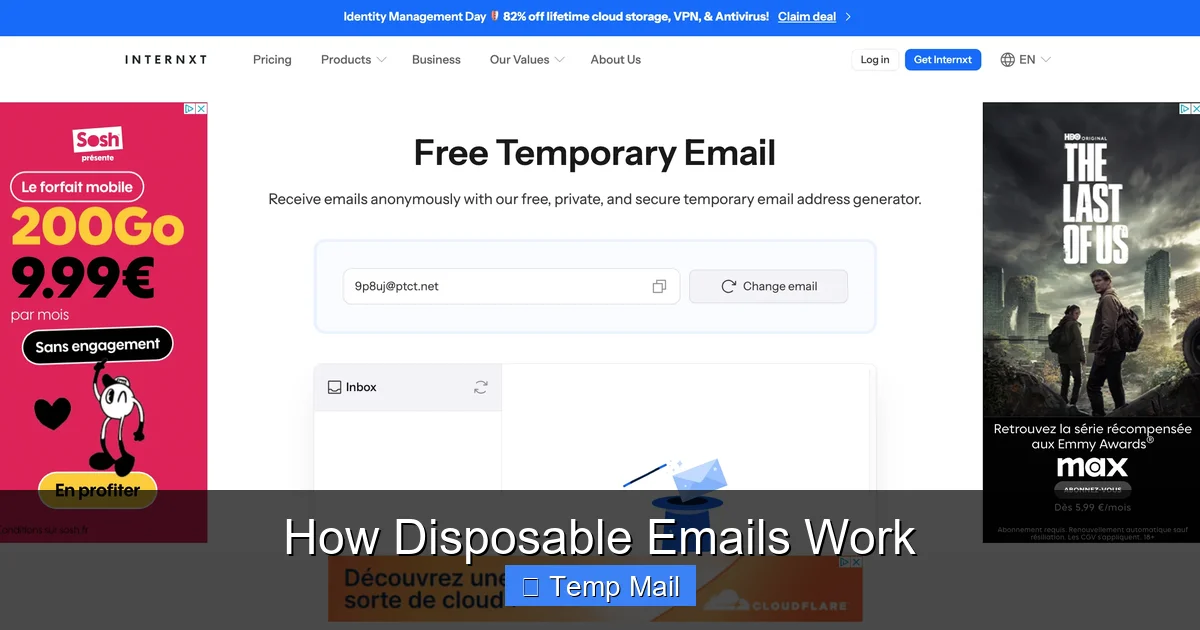
You land on a site like Temp-Mail.org or 10MinuteMail.com. There’s no “Sign Up” button. Instead, the system immediately generates a random email address for you. This address is usually a jumble of characters (e.g., [email protected]) assigned to a unique, random inbox ID stored on the server. The generation is algorithmic and instantaneous, requiring no database lookup for an available user name because every new visitor gets a fresh, unused inbox.
2. The “No Registration” Rule
This is the cornerstone of privacy. Because the service doesn’t ask for—and doesn’t want—any of your personal data, there’s no account to create. No password to remember. No recovery email to provide. The temporary inbox is linked only to a random session token stored in your browser’s cookies or local storage. Close the tab, and that link is severed. From the service provider’s perspective, you are a faceless, nameless user associated with a random string of data.
3. Receiving and Displaying Emails
When a website sends an email to your disposable address, the temp mail service’s mail server receives it just like any standard mail server (using SMTP). The key difference is in how it’s handled. The service doesn’t attempt to forward it anywhere. Instead, it simply stores the email in the database associated with your unique inbox ID. When you refresh your temp mail browser tab, the server queries the database for any emails linked to your session ID and displays them in a clean, web-based interface. Attachments are usually available for download directly from this interface.
4. The Auto-Deletion Mechanism
This is the “disposable” part. Every disposable email service has a built-in timer. This timer can be based on two things: inbox inactivity or a fixed lifespan from creation. For example, a service might delete an inbox if it hasn’t been refreshed in 10 minutes, or it might automatically purge all messages and the address itself after exactly 1 hour. The server constantly runs cleanup scripts that identify expired inbox IDs and permanently delete their corresponding data from the database. This ensures no residual data is left behind for potential harvesting.
A Step-by-Step Guide: Using Disposable Email in Practice
Understanding the theory is one thing; using it is refreshingly simple. Let’s walk through a common scenario: you want to download a free ebook that requires an email address.

Visual guide about How Disposable Emails Work
Image source: funkyspacemonkey.com
Step 1: Navigate to a Temp Mail Provider
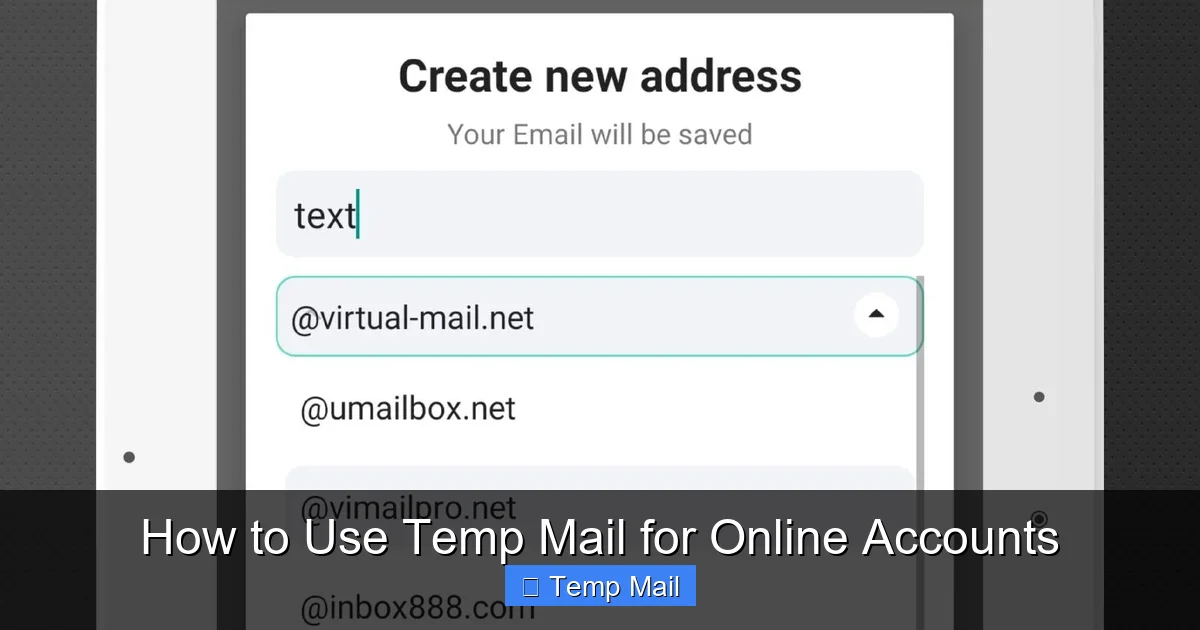
Open your browser and go to a reputable disposable email website (e.g., Temp-Mail.org, Guerrilla Mail, 10MinuteMail). You’ll be greeted immediately with your new, temporary email address and a countdown timer. No clicks required.
Step 2: Copy the Generated Address
Click the copy button next to the address or highlight and copy it manually. This is your one-time-use key.
Step 3: Use It on the Target Website
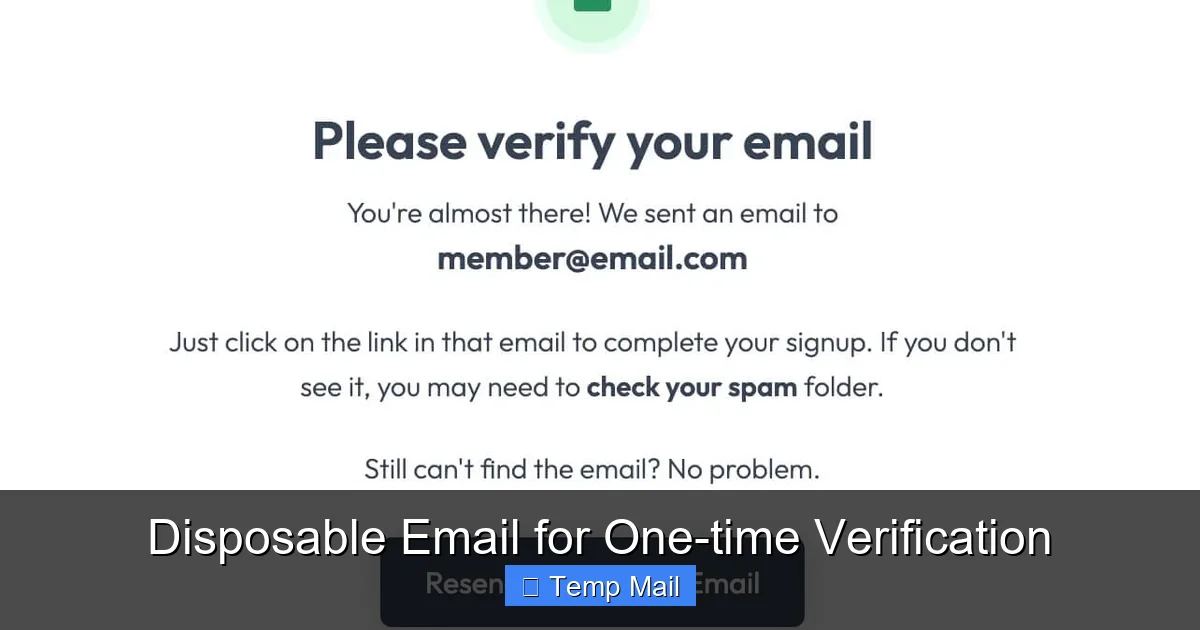
Go to the ebook download page. Paste the disposable email into the required field and submit the form. The website will send a confirmation email or a direct download link to that address.
Step 4: Retrieve Your Message
Switch back to your temp mail tab. Hit the refresh button (or wait for auto-refresh). The incoming email from the ebook site will appear in your inbox list. Click on it to view its contents. Often, the download link or confirmation code is right there in the body.
Step 5: Close and Forget
Once you’ve downloaded the ebook or clicked the link, you’re done. Simply close the browser tab. You do not need to log out. The inbox will self-destruct according to the service’s timer. If you need a few more minutes, some services offer a “Keep Alive” button to extend the session.
Pro Tip: Always check the timer! If a website promises a “5-minute download link,” make sure your temp mail session will last at least that long. Some services default to 10-minute lifetimes, which is sufficient for most cases.
Common Use Cases: When to Reach for Temp Mail
Disposable emails are a specialized tool. Knowing the right job for it makes all the difference. Here are the most common and effective scenarios.

Visual guide about How Disposable Emails Work
Image source: mailtemp.uk
For One-Time Registrations and Downloads
This is the bread and butter of temp mail. Anytime a website asks for an email solely to:
- Gate a PDF, whitepaper, or software trial.
- Grant access to a webinar recording.
- Provide a discount code.
- Allow entry into a contest or giveaway.
- If a website’s email verification system works.
- How a service handles email-based password resets (without using your real account).
- The content of automated welcome sequences from SaaS platforms.
- Inbox Lifespan: Does it last 10 minutes, 1 hour, or 1 day? For most uses, 10-60 minutes is sufficient. Longer is not necessarily better for privacy.
- Domain Options: Some services offer multiple domain choices (e.g., @tmpmail.org, @tmpmail.net). If one domain is blocked, you can try another.
- “Keep Alive” or Extend Function: Can you manually extend the session if you need more time? This is a useful feature.
- Attachment Support: Can you download files sent to the inbox? Most can, but it’s worth confirming.
- HTTPS Enforcement: The site must use HTTPS to encrypt the connection between your browser and their server. Check for the padlock icon.
- Ad Load: Free services rely on ads. Some are intrusive with pop-ups; others are more subtle. Your tolerance may vary.
- The IP address from which you access the inbox.
- The approximate geographic location based on that IP.
- The user agent of your browser.
- The content of all emails received in that temporary inbox.
- Receive password reset links for important accounts (you’ll lose access).
- Communicate confidential personal or business information.
- Register for services that will later send financial statements or legal documents.
- Verify identity for government or financial services.
- Integration with Privacy Suites: Browsers like Brave and privacy-focused browsers are exploring built-in temporary email generation as a feature.
- Improved API Access: Services are making it easier for developers to programmatically create and manage thousands of temporary inboxes for automated testing.
- Stronger Advocacy: As email becomes a primary vector for tracking, tools like disposable addresses are being promoted by digital rights groups as essential hygiene.
…use a disposable address. You get the immediate resource without enrolling your primary email in a potential spam cycle.
To Test Online Services and Forms
Developers, testers, and even savvy users can use temp mail to test:
It’s a quick, clean way to validate email functionality without cluttering a real inbox.
To Avoid Unwanted Marketing and Data Brokers
Many “free” online services monetize by building email lists and selling data. By using a temp mail, you completely cut off that revenue stream tied to your address. The service gets a valid email format to process your request, but it leads to a black hole. No promotional newsletters, no “We miss you!” emails, no data profile built around your primary address.
For Enhanced Privacy on Low-Trust Platforms
If you’re signing up for a forum, comment section, or app with questionable privacy practices or a history of data breaches, a disposable email adds a layer of separation. If that site is later hacked, the leaked database will contain your temp mail address, not your real one. The breach is contained.
Benefits and Crucial Limitations
Like any tool, disposable email has a bright side and a dark side. Using it effectively means embracing both.
The Clear Advantages
Immediate Spam Reduction: This is the biggest win. Your primary inbox stays pristine for important communications from family, colleagues, and trusted services.
Zero Personal Data Required: You maintain anonymity from the service you’re signing up for.
Effortless and Fast: No account creation, no password, no verification. It takes 3 seconds.
No Long-Term Maintenance: You don’t have to remember to unsubscribe later. The inbox deletes itself.
The Serious Limitations and Risks
Permanent Loss of Access: This is non-negotiable. If you need to reset a password for an account you created with a disposable email, you are locked out forever. The account is dead weight.
Not for Important Accounts: Never, ever use temp mail for banking, primary social media, cloud storage, main work tools, or any service where identity and recovery matter.
Potential Security Gaps: While many reputable services use HTTPS, some free providers may have weaker security. In theory, a provider could log IP addresses or read emails. You are trusting them with the anonymity of your temporary activity.
Sender Blocklists: Some sophisticated websites or forums actively block known disposable email domains to prevent abuse. You might find the temp mail address simply won’t be accepted.
No Sender Reputation: Because the domain is generic and the address is random, emails from a temp mail can sometimes be flagged as lower trust by spam filters of the *recipient* (if you were to use it to send mail, which is rare).
Choosing the Right Disposable Email Service
Not all temp mail providers are created equal. The landscape includes ad-supported free sites and more privacy-focused paid options. Here’s what to look for.
Key Features to Evaluate
Reputable Providers vs. Unknown Sites
Stick with well-known, established services like Temp-Mail.org, Guerrilla Mail, or 10MinuteMail. These have been around for years, have clear privacy policies (even if minimal), and are less likely to be malicious. Avoid obscure temp mail sites you find via a random search—they could be logging your activity or injecting malware. A quick search for “is [service name] safe” can reveal user experiences and any red flags.
When a Paid or Enhanced Service Makes Sense
For developers or power users, services like MailSlurp or Mailinator’s private inbox offerings (paid tiers) provide API access, custom domains, and longer retention. These are for professional testing workflows, not casual one-off use. For the average user, a top-tier free service is perfectly adequate.
Security and Privacy: The Essential Caveats
Relying on a disposable email for privacy assumes the provider itself is trustworthy. This is the critical, often overlooked, layer.
What the Provider Sees
Even without your registration data, the temp mail provider can see:
For a standard free provider, this data is typically kept temporarily and wiped with the inbox. However, their privacy policy (if one exists) should state this clearly. If the policy is vague or absent, assume the worst.
Encryption in Transit, But What About at Rest?
HTTPS protects data traveling between you and the server. But what about the emails stored on their server? Reputable services may encrypt databases, but this is not a universal standard. The content of your temporary emails is stored in plain text on their servers until deletion. This is a calculated risk for a tool designed for low-sensitivity communication.
Never Use for Sensitive Information
This cannot be stressed enough. Do not use a disposable email to:
Temp mail is for noise, not for substance. It’s a filter, not a vault.
The Future of Ephemeral Communication
The demand for disposable communication is growing alongside concerns about data harvesting and surveillance. We’re seeing trends like:
The core concept will likely remain the same—a throwaway address—but the implementations will become more seamless and integrated into our everyday privacy toolkits.
Conclusion: A Smart Tool for a Cluttered Digital World
Disposable email addresses are not a magic bullet for all your privacy woes, but they are an exceptionally effective and straightforward tool for a very specific problem: the relentless erosion of your primary email’s cleanliness and security. By understanding how they work—the instant generation, the lack of registration, the automatic deletion—you can wield them with confidence. Use them liberally for sign-up walls, content gates, and any interaction where you suspect the long-term value of your email to the other party is zero and the risk of spam is high. Reserve your permanent, guarded email address for the people and services that truly matter: your family, your core professional network, your bank, and your critical cloud services. In the battle for your digital attention, temp mail is a simple, powerful shield. Use it wisely, and keep your main inbox a sanctuary.
Frequently Asked Questions
Are disposable emails legal to use?
Yes, using a disposable email is completely legal. It is simply the use of a standard email service that does not require long-term account registration. The legality comes into question only if the address is used for fraudulent or illegal activities, which applies to any communication tool.
Can disposable emails be traced back to me?
Generally, no. Since no personal information is provided during creation, the email address itself is not linked to your identity. However, the service provider can see the IP address you used to access the inbox. For most casual uses, this level of anonymity is sufficient. Using a VPN adds an extra layer of IP masking.
How long do disposable emails typically last?
Lifespans vary by provider, but common timeframes are 10 minutes, 1 hour, or 1 day. The countdown usually starts when the inbox is first generated or from the last time it was accessed. Always check the specific timer on your chosen service.
Will the website I’m signing up with know I used a disposable email?
Usually, no. To their system, it’s just a validly formatted email address. However, many websites maintain internal blocklists of known disposable email domains. If you try to sign up with an address from a blocked domain, the site will reject it outright.
What are the best disposable email services?
For most users, established and reputable free services like Temp-Mail.org, Guerrilla Mail, and 10MinuteMail are reliable, easy to use, and have been operating for years without major security scandals. Always use the service’s official website to avoid phishing copies.
Can businesses use disposable emails for employees?
For critical business communication, absolutely not. Disposable emails are antithetical to accountability, record-keeping, and secure collaboration. However, businesses can use dedicated, privacy-focused email alias services (like SimpleLogin) for employees to create unique forwards for different vendors, which offers better control than a truly disposable inbox.