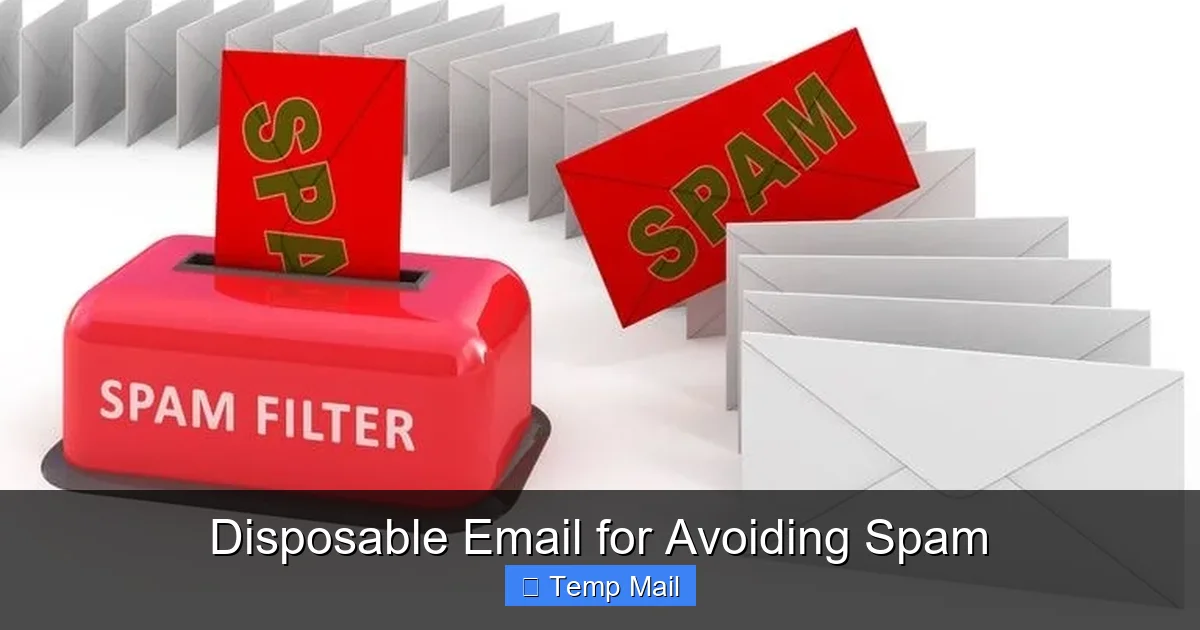
Disposable email addresses are a powerful tool for avoiding spam and safeguarding your primary inbox. By using temporary emails for online sign-ups, you can prevent spam, protect your privacy, and maintain a clutter-free main email. However, they come with limitations and aren’t suitable for all situations. This guide covers everything you need to use disposable emails effectively and safely.
Key Takeaways
- Spam Prevention: Disposable emails act as a barrier, shielding your primary address from spammy marketing lists and data breaches.
- Privacy Protection: They prevent websites from building a profile linked to your real identity or main email address.
- No Long-Term Commitment: There’s no need to manage or monitor these inboxes; they auto-delete after a short period or after use.
- Not for Critical Accounts: Never use disposable email for banking, primary social media, or any account requiring password recovery or long-term access.
- Site Compatibility Issues: Many reputable platforms (e.g., GitHub, some government sites) actively block known disposable email domains.
- Choose Reputable Providers: Opt for well-known temp mail services that don’t log your IP or sell data, enhancing your security.
- Part of a Broader Strategy: Use disposable emails alongside other tools like email aliases and strong spam filters for comprehensive protection.
📑 Table of Contents
- The Spam Epidemic and Your Inbox’s SOS
- What Exactly Is a Disposable Email and How Does It Work?
- The Undeniable Benefits of Going Temporary
- The Flip Side: Risks and Limitations You Must Know
- Mastering Disposable Email: Best Practices for Smart Use
- Disposable Email vs. Other Spam-Fighting Tools
- The Future of Temporary Email and Online Privacy
- Conclusion: Your Inbox, Your Rules
The Spam Epidemic and Your Inbox’s SOS
Let’s be honest. Your primary email inbox feels like a war zone. It’s under constant siege. The enemy? Spam. Unwanted newsletters you never signed up for, phishing lures disguised as invoices, and “special offers” from companies you’ve never heard of. It’s not just annoying; it’s a productivity drain and a genuine privacy risk. Every time you share your email to download a PDF, get a discount code, or access a free tool, you’re potentially adding fuel to the spam fire. But what if you could fight back with a simple, elegant strategy? Enter the disposable email address—your secret weapon for avoiding spam and reclaiming control of your digital life.
This isn’t about being paranoid. It’s about being practical. The average person has over 100 online accounts. That’s 100+ chances for a company to get hacked, sell your data, or simply have lax security that exposes your email. A disposable email, also called temp mail or throwaway email, creates a digital buffer zone. It’s like using a prepaid burner phone for a one-time call instead of giving out your personal number. In this complete guide, we’ll dive deep into how disposable emails work, their undeniable benefits, the critical risks you must understand, and exactly how to use them like a pro to avoid spam effectively.
What Exactly Is a Disposable Email and How Does It Work?
At its core, a disposable email is a temporary, anonymous email address that exists for a very short time—usually minutes or hours. Its sole purpose is to receive a single verification email or a specific resource and then vanish into the digital ether. Unlike your permanent Gmail, Outlook, or Yahoo address, a disposable inbox has no long-term memory.
Visual guide about Disposable Email for Avoiding Spam
Image source: optimizever.com
The Mechanics: From Generation to Auto-Deletion
Here’s the simple, step-by-step process of how these services operate:
- You Visit a Provider Site: You go to a website like Temp-Mail.org, 10MinuteMail.com, or Guerrilla Mail.
- An Address is Generated Instantly: The service provides you with a random email address (e.g., [email protected]) and a corresponding inbox URL. You don’t need to register, create a password, or provide any personal information.
- You Use It for the Intended Purpose: You copy that temporary address and paste it into the sign-up form for that e-book, forum, or trial service.
- The Inbox is Public (But Random): Anyone with the exact inbox URL can view the emails received at that address. This is why the URL is long and random—it’s your only “key.”
- Auto-Deletion: After a set time (often 10 minutes to 1 hour) or once you close the browser tab, the address and all its emails are permanently deleted from the server. Poof. Gone.
This entire lifecycle is designed for anonymity and impermanence. There is no trace left behind on the provider’s side, making it incredibly difficult for that initial website to ever link that temporary address back to you.
The Undeniable Benefits of Going Temporary
Why are millions of people turning to disposable emails? The advantages are straightforward and powerful, especially when your goal is to avoid spam.
Visual guide about Disposable Email for Avoiding Spam
Image source: cms.softailed.com
1. A Fort Knox for Your Primary Inbox
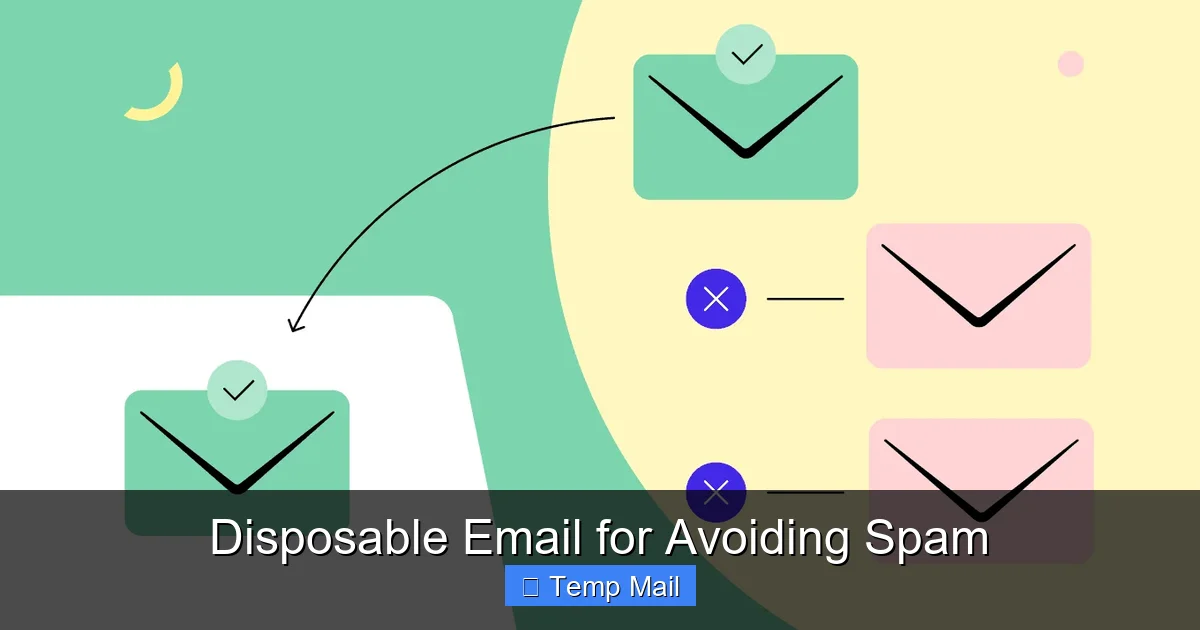
This is the biggest win. Every time you use a disposable address for a low-stakes sign-up, you’re preventing that company from ever having your real, permanent email. That means no chance for them to leak it in a data breach, sell it to third-party advertisers, or accidentally add you to their relentless promotional email list. Your primary inbox remains a sanctuary for personal emails, work communications, and important accounts. The reduction in clutter and phishing attempts is immediate and noticeable.
2. Maximum Privacy and Anonymity
Disposable emails require zero personal information. No name, no phone number, no recovery email. This breaks the common data collection chain. Websites can’t build a user profile based on your email address because that address has no history and no connection to your identity. For those concerned about being tracked across the web or simply wanting to browse and download without leaving a trail, this is a massive privacy win.
3. Zero Commitment, Zero Management
Think about it. You don’t have to remember a password for your temp mail. You don’t have to log in. You don’t have to periodically clean it out. There is no “inbox zero” pressure for an account that self-destructs. You use it, get what you need (the verification code, the download link), and walk away. It’s the ultimate in low-friction, no-strings-attached digital interaction.
4. Perfect for Testing and Exploration
Are you skeptical of a new software tool? Want to test a service that requires an email sign-up before you can even see the pricing page? Use a disposable email. It lets you evaluate products, sign up for trial versions, or access gated content risk-free. If the service turns out to be spammy or useless, you’ve sacrificed nothing. The temporary address will die long before any unwanted follow-ups could reach you.
The Flip Side: Risks and Limitations You Must Know
Disposable email isn’t a magic bullet. It has significant drawbacks and risks that, if ignored, can lead to frustration or even security issues. Understanding these limitations is crucial for using them safely.
Visual guide about Disposable Email for Avoiding Spam
Image source: media.wired.com
1. The “Blocked Domain” Problem
This is the most common frustration. Many legitimate, high-security websites and platforms actively maintain and update blocklists of disposable email domains. They do this to prevent fraud, spam registrations, and abuse. If you try to sign up for a GitHub account, a government service portal, a major bank’s online service, or even some popular social media platforms with a disposable email, you’ll likely be rejected outright. The site will simply tell you the email domain is invalid. This renders the service useless for any account that needs to be trustworthy or long-lasting.
2. No Account Recovery, Ever
Because there is no password, no recovery email, and no persistent inbox, losing access is absolute and permanent. If you use a disposable email to create an account and then later forget your password, you are locked out forever. You cannot reset it. The account is dead. This makes disposable emails completely unsuitable for any service you might need to access months or years from now. Rule of thumb: If you’d be upset about losing access to it, don’t use a disposable email.
3. Security and Privacy Nuances
While the address itself is anonymous, the connection isn’t always. Your internet service provider (ISP) and the disposable email service provider can see your IP address when you generate the inbox. A malicious provider could log this information. Furthermore, the emails you receive are stored unencrypted on the provider’s server for their brief lifespan. While the window is short, it’s not zero. For highly sensitive communications, this is a consideration. Always use HTTPS versions of these sites.
4. Reputation and Deliverability Issues
Because disposable domains are notorious for being used in spam and fraud, emails sent from them (if the service allows sending, which many do not) often have terrible deliverability. They are flagged by spam filters instantly. More importantly, if you use a disposable address to sign up for a legitimate newsletter, that newsletter provider’s emails might later be flagged as spam in your primary inbox because their sending domain has been polluted by association with temporary addresses.
Mastering Disposable Email: Best Practices for Smart Use
To harness the power of disposable email without falling into the pitfalls, follow these essential best practices. Think of this as your operational manual for safe temp mail usage.
The Golden Rule: The Hierarchy of Email Importance
Adopt a clear mental model for your email addresses:
- Tier 1 (Primary): Your personal/professional permanent email (e.g., [email protected]). Use for family, close friends, work, banking, primary social media, and any account you must keep forever.
- Tier 2 (Secondary/Alias): A dedicated “sign-up” email that you check occasionally. This could be a free account from a provider like ProtonMail or an alias from a service like SimpleLogin or Apple’s Hide My Email. Use for online shopping newsletters, forums you semi-regularly visit, and services where you might want occasional updates.
- Tier 3 (Disposable): The true temp mail. Use only for one-time downloads, accessing a single piece of gated content, or testing a service you have zero intention of using long-term. The moment you get the download link or verification code, consider the address’s job done.
Practical Tips for the Disposable Email User
Tip 1: Never Use for Account Creation You Care About. This cannot be stressed enough. No social media, no cloud storage, no password manager, no gaming platform. If you might want to log in a year from now, use Tier 2.
Tip 2: Check the Inbox URL Immediately. The moment you get your temp address, bookmark the inbox page or keep the tab open. These inboxes are public based on the URL. If you close it and lose the URL, the emails are gone forever, and you can’t get them back.
Tip 3: Clear Your Browser Cache. After you’ve retrieved what you need, close the tab and clear your browser history/cache for that site. This prevents someone else who uses your computer from potentially stumbling upon the still-active (for a few minutes) inbox.
Tip 4: Have a Backup Plan. If a website blocks your disposable address, don’t get stuck. Have your Tier 2 secondary email ready to use instead. This is why having a dedicated sign-up email is so valuable.
Tip 5: Research Providers. Stick to well-known, reputable disposable email services. Read their privacy policies (briefly). Avoid any that require you to solve CAPTCHAs constantly or are flooded with ads on the inbox page, as these may be less secure or more interested in your data.
Disposable Email vs. Other Spam-Fighting Tools
Disposable email is a fantastic tool, but it’s just one tool in your privacy and spam-fighting toolkit. Let’s compare it to two powerful alternatives.
Disposable Email vs. Email Aliasing
An email alias (like those from SimpleLogin, AnonAddy, or Apple’s Hide My Email) is a permanent forwarding address. You create [email protected] that forwards to your real [email protected]. You can delete the alias at any time, stopping all emails from that source. The key difference? Persistence and control. An alias is permanent until you delete it. It works on any website, even those that block disposable domains, because it uses a custom domain you own or a trusted provider’s domain. You can also reply from the alias. Disposable email is for 10-minute sprints; aliasing is for managing long-term subscriptions without exposing your core address.
Disposable Email vs. Advanced Spam Filters
Services like Gmail’s built-in filters, SpamAssassin, or third-party tools like Clean Email work reactively. They let spam hit your primary inbox first, then try to sort or delete it. They are essential for catching spam that slips through, but they don’t prevent your address from being added to spam lists in the first place. Disposable email is proactive prevention. It stops the spam at the source by never giving the source your real address. The ideal strategy? Use disposable emails/aliases to prevent spam from ever being sent to your main address, and use robust filters as a safety net for the few that get through.
The Future of Temporary Email and Online Privacy
The landscape is evolving. As disposable email services become more sophisticated, so do the detectors. We’re seeing a cat-and-mouse game: new temp mail domains pop up, get added to blocklists, and the cycle continues. The future likely holds two trends.
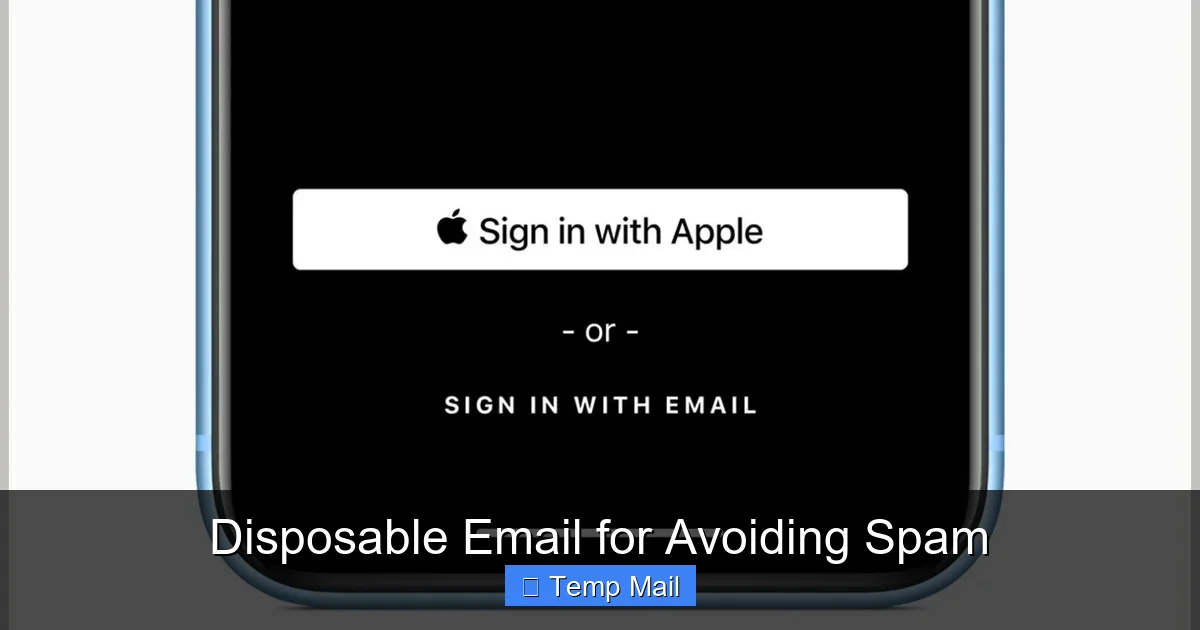
First, integration with broader privacy suites. We already see this with Apple and Google building “hide my email” functionality directly into their ecosystems. This makes privacy-focused email forwarding mainstream and more reliable than standalone disposable sites. Second, there may be increased regulatory pressure on websites to verify email ownership more stringently without relying solely on domain blocklists, which can sometimes be overzealous. For the user, the takeaway is clear: disposable email will remain a vital, if niche, tool for the foreseeable future, but the most effective long-term strategy will involve a combination of aliasing services, disposable emails for specific one-off tasks, and a culture of email address compartmentalization.
Conclusion: Your Inbox, Your Rules
Spam is more than a nuisance; it’s a symptom of a data economy that often treats your email address as a commodity. A disposable email address puts you back in the driver’s seat. It’s a simple, free, and incredibly effective method for avoiding spam by refusing to feed the data-hungry machines your primary contact information. By understanding its strengths—anonymity, impermanence, and zero commitment—and respecting its weaknesses—site blocking, no recovery, and security nuances—you can wield this tool with precision.
Start today. The next time a website asks for your email to access a whitepaper or a discount, pause. Ask yourself: “Do I ever need to hear from these people again?” If the answer is no, reach for a disposable email. Keep your primary address pristine, your privacy intact, and your digital footprint minimal. In the battle for your inbox, a disposable email isn’t a surrender; it’s a strategic retreat that leaves the enemy with nothing but a dead-end address. Use it wisely, and reclaim the peace of your own digital mailbox.
Frequently Asked Questions
Are disposable emails legal to use?
Yes, using disposable email services is completely legal in most jurisdictions. They are legitimate privacy tools. However, using them to commit fraud, evade legal obligations, or abuse a service’s terms of use is illegal.
Are disposable emails secure and private?
They offer good privacy from the website you sign up with, as no personal data is required. However, security depends on the provider. The inbox is public via its URL, so anyone with that link can see emails. Reputable providers use HTTPS and delete data quickly, but they are not for highly sensitive communications.
Why do some websites block disposable email addresses?
Websites block them to prevent spam registrations, fake accounts, fraud, and abuse. Since disposable emails are often used for these purposes, blocking them helps maintain platform integrity and reduces the burden of managing malicious users.
Can I use a disposable email for important accounts like banking or social media?
Absolutely not. You will be unable to recover your account if you lose your password, and these critical services will almost certainly block the disposable domain during sign-up. Always use your permanent, secure email for any account requiring long-term access and security.
How do I choose a good disposable email provider?
Look for providers that offer a clear auto-deletion timeframe (e.g., 10-60 minutes), use HTTPS, have a simple interface without excessive ads, and don’t require solving constant CAPTCHAs. Stick to well-known names in the space like Temp-Mail, 10MinuteMail, or Guerrilla Mail.
Can disposable emails completely replace my primary email?
No. They are designed for single, ephemeral use. They cannot send emails reliably (often blocked), have no storage, and offer no account recovery. They are a complementary tool for specific tasks, not a replacement for a permanent, functional email account.
Leave a Reply