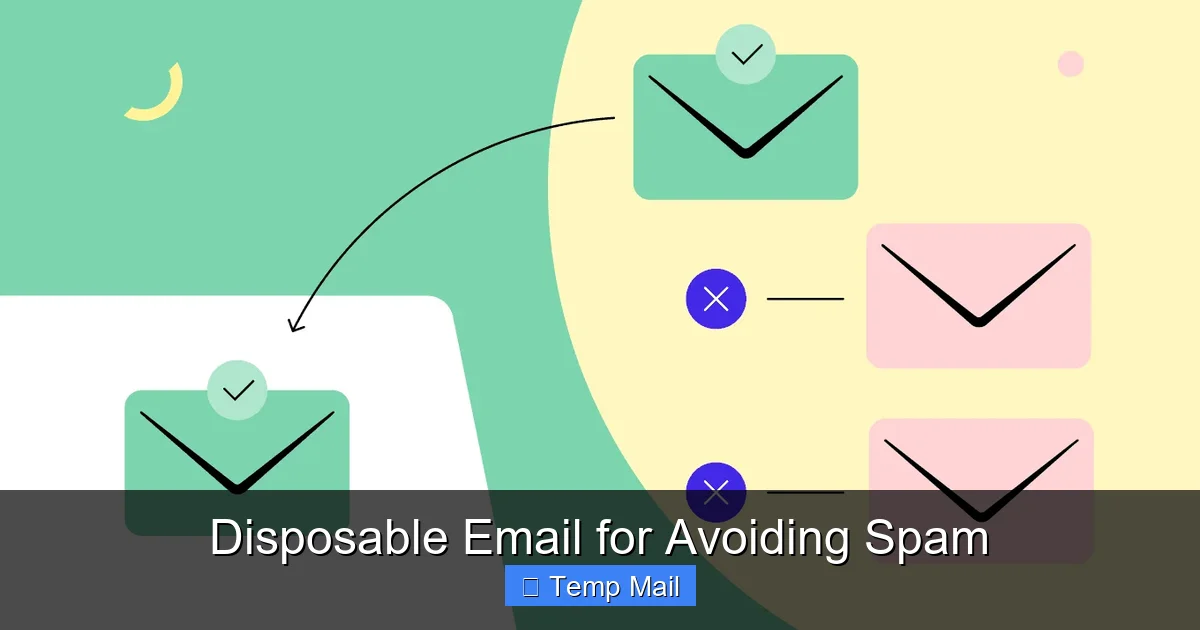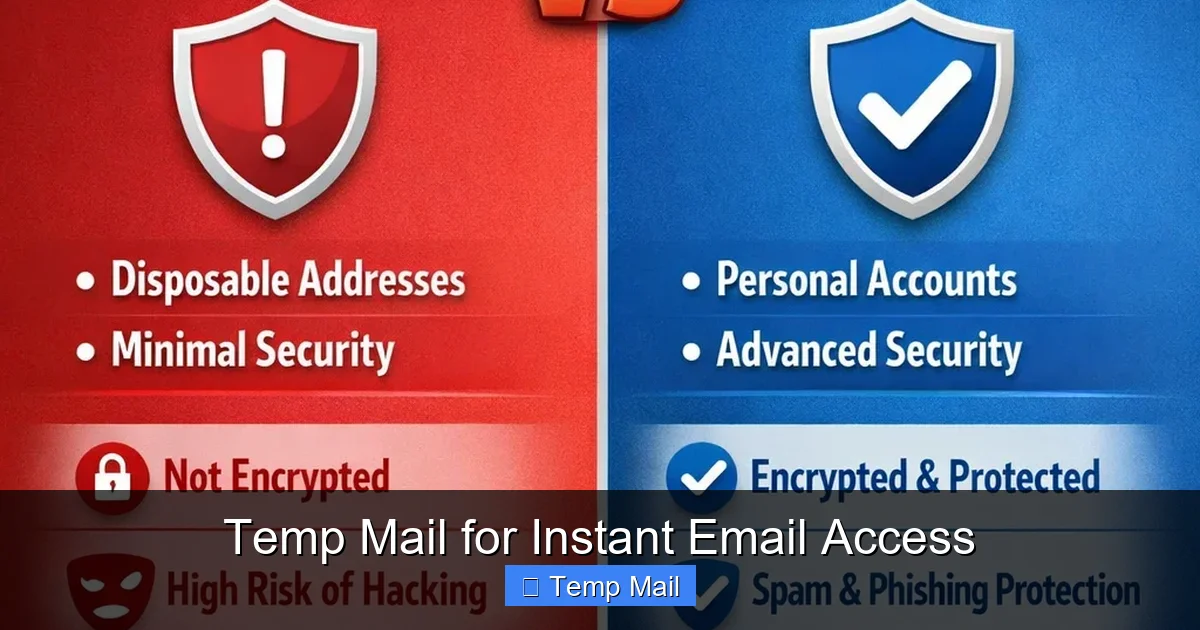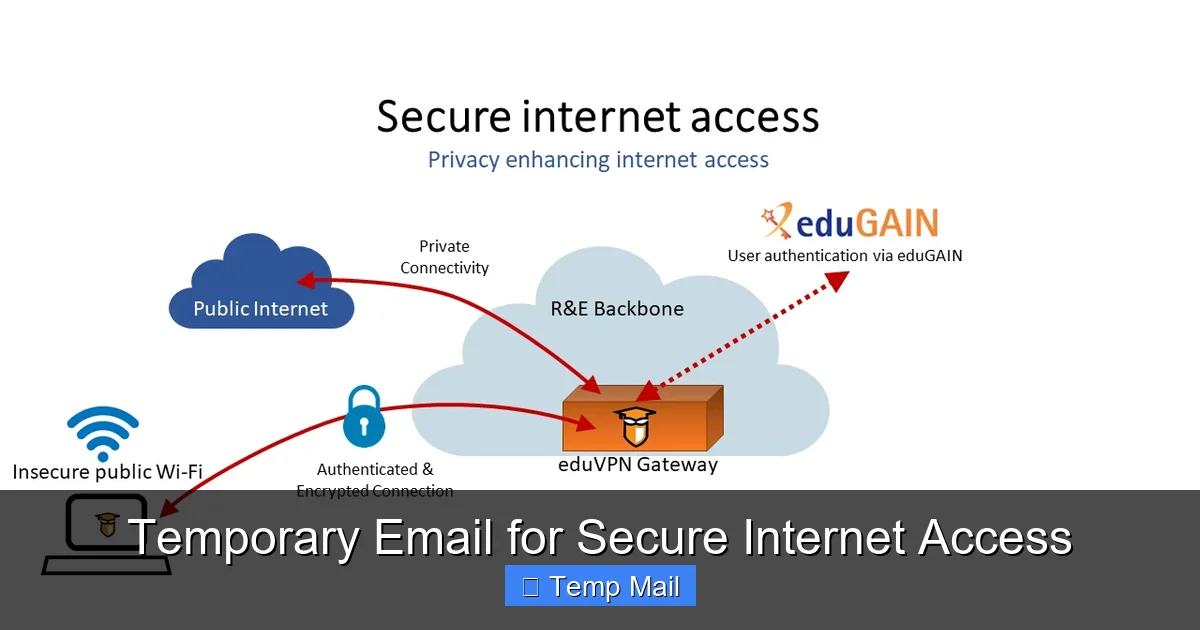
Temporary email services provide a powerful, straightforward tool for safeguarding your digital identity. By generating a short-lived, anonymous inbox, you can interact with websites, access gated content, and register for services without exposing your personal or primary email address. This simple practice drastically reduces spam, minimizes data breach risks, and prevents unwanted tracking, making it a fundamental habit for anyone seeking more secure and private internet access.
Key Takeaways
- Primary Defense Against Spam: Temporary emails act as a sacrificial shield, capturing unsolicited marketing and phishing attempts away from your permanent inbox.
- Enhanced Privacy & Anonymity: They prevent websites from linking your online activities to your real identity by eliminating the need to provide personally identifiable information (PII) during sign-up.
- Mitigates Data Breach Risks: If a service you used a temp email for suffers a breach, your primary email and associated accounts remain secure and unaffected.
- Bypasses Content Gates: They are the perfect solution for accessing content, software, or forums that require an email registration but offer little value in return.
- No Long-Term Commitment: Inboxes self-destruct after a set period (often 24-48 hours) or after a single use, ensuring no lingering digital footprint.
- Not for Critical Accounts: Never use temporary email for banking, primary social media, job applications, or any service where account recovery is essential.
📑 Table of Contents
- What Exactly Is a Temporary Email Service?
- The Security & Privacy Imperative: Why You Need It
- Practical Use Cases: Where to Deploy Your Disposable Inbox
- How to Get Started: A Step-by-Step Guide
- Critical Limitations and Important Warnings
- Best Practices for Maximizing Security and Privacy
- The Future Outlook: Temporary Email in a Regulating World
- Conclusion: A Simple Habit for a More Secure Digital Life
What Exactly Is a Temporary Email Service?
Imagine needing to enter an email address to download a free PDF guide or comment on a news article, but you have zero desire to give the website your real email. This is the universal problem that temporary email, also called disposable or throwaway email, solves. It’s a service that generates a random, functional email address for a very short duration—typically a few hours to a couple of days. You use it once, receive the necessary verification or download link, and then abandon it. The inbox and its contents vanish into the digital ether, leaving no trace.
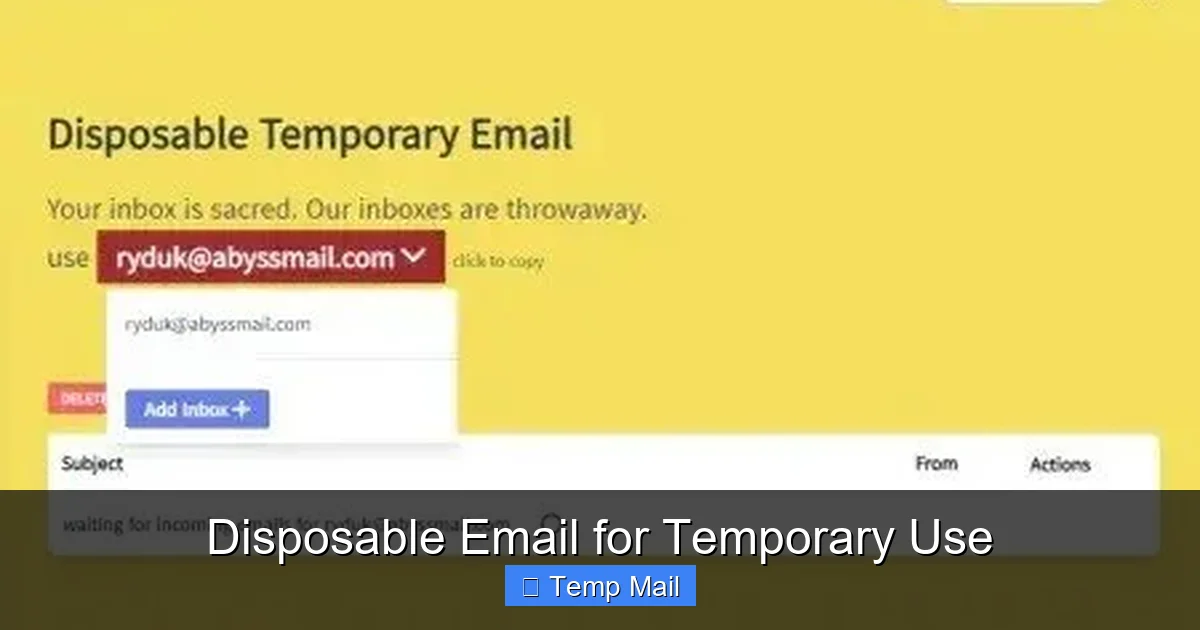
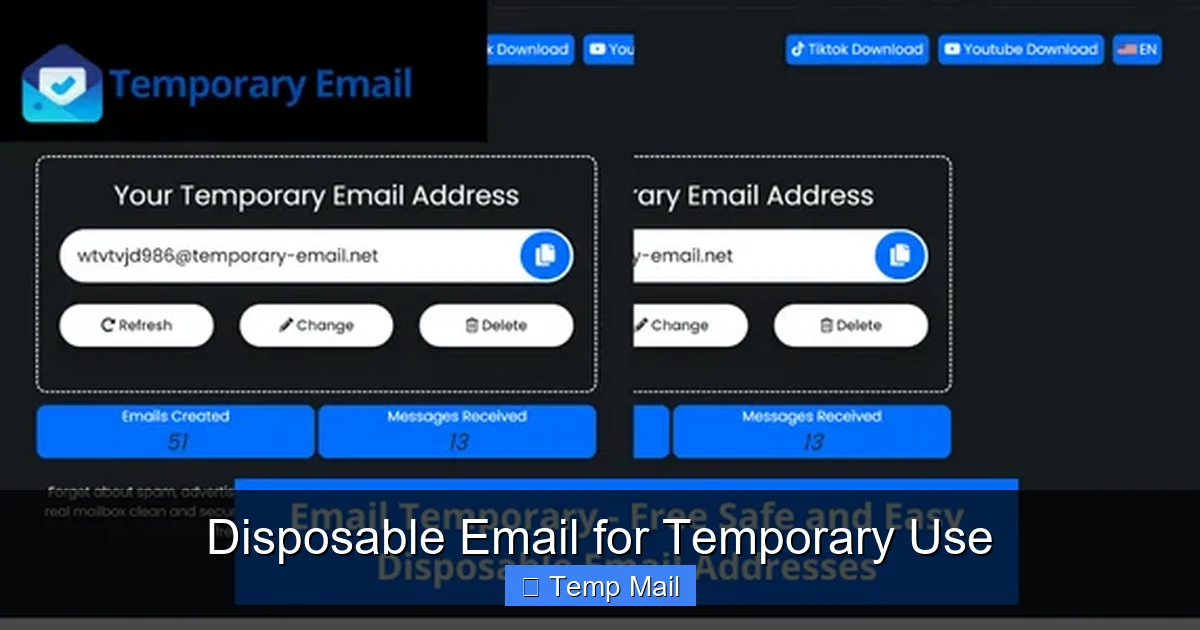
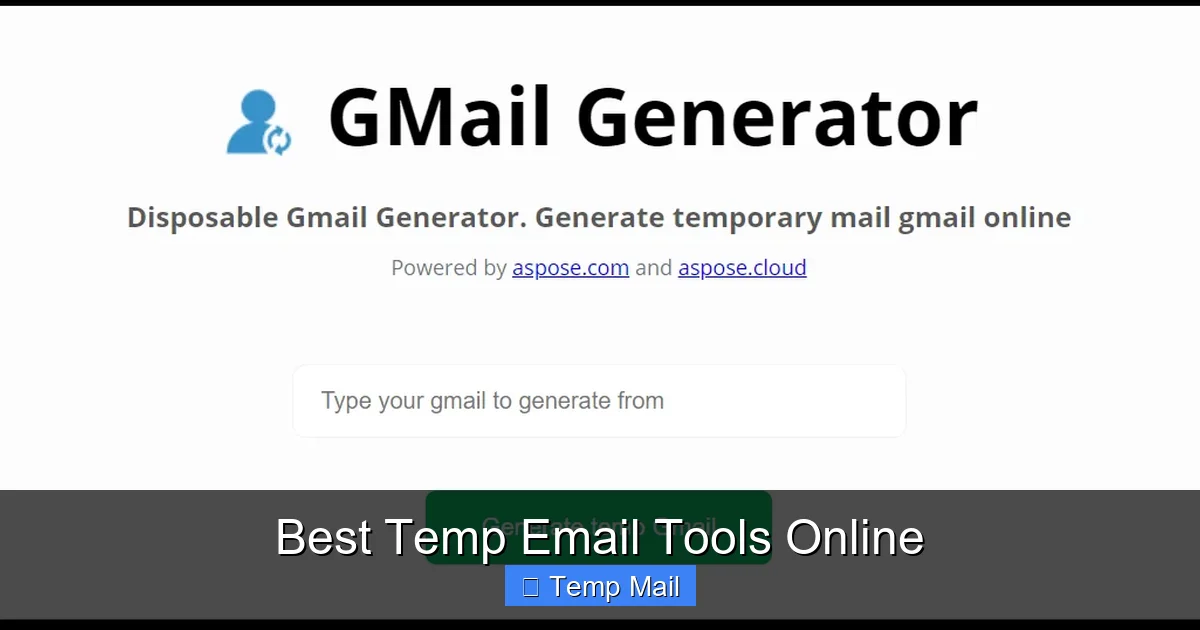
These services are web-based; you don’t need to create an account. You simply visit a provider’s website like Temp-Mail, Guerrilla Mail, or 10 Minute Mail, and a fresh inbox is instantly created for you. You’re given an address (e.g., [email protected]) that you can copy and paste wherever needed. The entire process is designed for speed, anonymity, and ultimate disposability.
The Core Technology: How It Works Under the Hood
Behind the simple interface is a standard email server setup, but with a crucial twist: extreme temporariness. When you visit a temp mail site, the server dynamically assigns you an unused email address from a large pool of available domains it controls. All incoming mail for that address is routed to a temporary storage area linked to your unique browser session. Once the timer expires or the session ends, that storage is wiped, and the email address is recycled back into the pool for the next user. There are no passwords, no account recovery, and no long-term databases linking addresses to users.
The Security & Privacy Imperative: Why You Need It
Your email address is more than just a communication tool; it’s a master key to your digital identity. Companies use it to track your behavior across websites, build detailed profiles for targeted advertising, and, unfortunately, often leak it in data breaches. Using your primary email everywhere is like using the same master key for your house, car, office, and safety deposit box—a catastrophic risk if that key is copied or stolen. Temporary email compartmentalizes your online life.
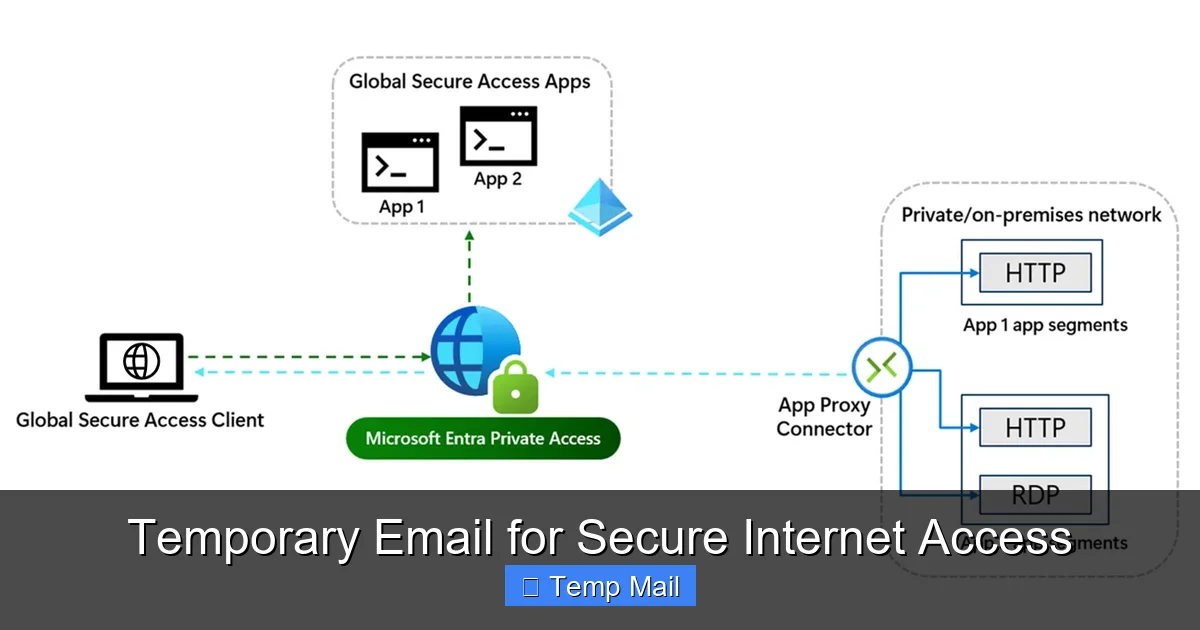
Visual guide about Temporary Email for Secure Internet Access
Image source: learn.microsoft.com
Fighting the Spam Hydra at Its Source
Every time you sign up for a newsletter, forum, or free trial with your main email, you’re trusting that company to handle your data responsibly. Many sell or share email lists with partners. Even reputable companies can suffer breaches, exposing your address to spammers. Temp mail cuts this chain at the first link. The spam generated from that specific interaction is sent to an inbox that will disappear, keeping your primary address pristine and your focus on emails that truly matter.
Preventing Data Harvesting and Profiling
Have you ever signed up for a simple tool and then started seeing eerily specific ads related to that interest? That’s cross-site tracking, often anchored by your email address. By using a different, disposable address for each low-stakes interaction, you break the continuous thread that data brokers and advertisers use to stitch together a complete picture of you. Each temp address is a dead-end for their profiling algorithms.
Practical Use Cases: Where to Deploy Your Disposable Inbox
Knowing the theory is one thing; knowing exactly when to use a temp email is what makes it a practical security habit. Think of it as a tool for any online interaction where the perceived value of the service is lower than the value of your email privacy. Here are the most common and effective scenarios.
Visual guide about Temporary Email for Secure Internet Access
Image source: thumbs.dreamstime.com
1. Accessing Gated Content and Downloads
This is the #1 use case. A blog asks for your email to download an ebook, a software site requires registration for a free trial, or a research paper is locked behind a form. You want the content, not a lifelong subscription to the site’s marketing emails. Paste your temp address, get the link, and move on. The follow-up spam goes to a ghost inbox.
2. Registering for One-Time Events or Trials
Signing up for a webinar, a free online course, or a 14-day software trial? Use temp mail. These often lead to a barrage of promotional emails from the company and its partners after the trial ends. Your temp address will be long gone, and your primary inbox stays quiet.
3. Testing Website or App Sign-Up Flows
If you’re a developer, tester, or just curious, creating multiple test accounts with your real email is messy. Temp mail lets you quickly generate numerous unique addresses to test registration, password reset, and notification systems without cluttering your real life.
4. Protecting Identity on Forums and Comment Sections
Want to post a controversial opinion on a public forum or comment on a sensitive news article without doxxing? A temp email allows you to create an anonymous account. While not a complete anonymity solution (IP addresses can still be logged), it removes the most direct link to your identity: your email.
5. Avoiding Unwanted Newsletter Subscriptions
Sometimes, a legitimate service you need (like a government portal or a utility company) sneakily opts you into marketing newsletters. Using a temp email for these mandatory sign-ups ensures any marketing material never reaches you.
How to Get Started: A Step-by-Step Guide
Using a temporary email service is remarkably simple, but doing it correctly maximizes your security. Here’s a practical walkthrough.
Visual guide about Temporary Email for Secure Internet Access
Image source: c8.alamy.com
Step 1: Choose a Reputable Provider
Not all temp mail services are created equal. Look for providers that:
- Do Not Require Registration: The whole point is anonymity; any sign-up defeats the purpose.
- Offer a Decoy Inbox Preview: You should be able to see the inbox interface before or immediately after getting your address, to confirm it works.
- Have a Clear Expiration Policy: Know if the inbox lasts 10 minutes, 1 hour, or 2 days. 10MinuteMail is great for instant needs; Temp-Mail often offers longer 24-48 hour windows.
- Provide Copy-to-Clipboard Buttons: For ease of use.
Step 2: Generate Your Address
Navigate to the provider’s site. You will automatically be assigned an email address. It will look something like [email protected] or [email protected]. Copy this entire address.
Step 3: Use It and Monitor
Paste this address into the website or service you’re accessing. If you need to verify it, switch back to the temp mail tab. Most providers auto-refresh the inbox page to show new incoming mail. Look for the verification email, click the link or copy the code, and complete your action on the original site.
Step 4: Close the Tab and Forget
Once you have what you need, simply close the browser tab. Do not bookmark it. The address and its inbox will expire on their own. There is no “account” to delete. Your work is done.
Pro Tip: Use a Dedicated Browser
For maximum compartmentalization, some privacy-conscious users open their temp mail site in a separate browser (like a dedicated Firefox profile) or even a different browser entirely (e.g., using Brave for temp mail and Chrome for everything else). This prevents any potential cookie or session overlap with your main browsing identity.
Critical Limitations and Important Warnings
Temporary email is a fantastic tool, but it is not a magic bullet for all online security. Understanding its limitations is crucial to using it safely and effectively.
1. The “No Recovery” Reality
This is the most important warning. If you use a temp email to sign up for a service and later forget your password, you are permanently locked out. There is no “Forgot Password?” link that will work because the inbox no longer exists. This is why the Cardinal Rule is: Never use temporary email for any account you need to access long-term or that contains valuable personal or financial information. This includes: primary email accounts, banking, PayPal, major social media (Facebook, Instagram, Twitter/X), cloud storage, job application portals, and government services.
2. Not for Encryption or Sensitive Communication
Temporary emails are not secure communication channels. The content of emails is often stored in plain text on the provider’s server until deletion. You should never send sensitive personal data (SSNs, credit card numbers, private documents) via a temporary email, even to someone you trust. Use encrypted messaging apps (Signal, WhatsApp) or encrypted email services (ProtonMail) for that.
3. Some Services Actively Block Them
Many popular platforms (Google, Apple, Microsoft, major banking sites, and most social media giants) maintain lists of known disposable email domains and will block registration attempts from them. They see them as high-risk for fraud and spam. If your temp email is rejected, you’ll need to use a different one or your real email. This is a feature, not a bug, of those platforms.
4. Potential for Abuse and Blacklisting
Because of their anonymity, temp mail services are sometimes used for malicious purposes like signing up for illegal forums or sending spam. As a result, some email domains from these providers can get blacklisted by corporate firewalls and spam filters. If your verification email from a legitimate site never arrives, the provider’s domain might be on a blacklist. Try a different provider in that case.
Best Practices for Maximizing Security and Privacy
To weave temporary email seamlessly and safely into your digital hygiene routine, follow these best practices.
- Treat It Like a Burner Phone: Use a different temp address for different website categories or purposes (e.g., one for tech blogs, another for shopping newsletters). This further segments your digital trail.
- Never Use Your Real Name: When a temp service asks for a username (some do for the inbox name), use a random string of letters and numbers. Never incorporate your name, birth year, or other PII.
- Combine with a VPN for Maximum Anonymity: Your IP address can still be logged by the temp mail provider and the sites you visit. For high-anonymity needs, access the temp mail site and the target site through a reputable VPN. This masks your IP from both parties.
- Clear Your Browser After Use: After closing your temp mail session, clear your browser’s cookies and cache for that site (or use private/incognito mode from the start). This severs any lingering session data.
- Have a Primary “Clean” Email: Reserve one primary email address (preferably from a privacy-focused provider like ProtonMail or Tutanota) for only your critical accounts: banking, main cloud storage, primary communication with family/friends, and password recovery for other important services. This email should be guarded fiercely and never used for random sign-ups.
The Future Outlook: Temporary Email in a Regulating World
As data privacy regulations like GDPR and CCPA give users more rights, the case for tools like temporary email strengthens. Companies are being forced to be more transparent about data collection, but the default model still relies on harvesting emails. Simultaneously, the tech industry is pushing for “passwordless” logins often tied to email or phone numbers. This creates a tension: convenience versus privacy.
Temporary email services are likely to evolve. We may see more integration with password managers, browser extensions that auto-generate and fill disposable addresses, and tighter coupling with privacy networks. However, the cat-and-mouse game with platforms trying to block them will continue. For the individual user, the takeaway is clear: proactive, tools-based privacy protection is becoming a standard part of digital literacy, not just a niche concern for the extremely paranoid. Temporary email is one of the simplest, most effective tools in that toolkit.
Conclusion: A Simple Habit for a More Secure Digital Life
In an internet ecosystem designed to collect, profile, and monetize your email address, taking back control starts with small, deliberate actions. Adopting the use of temporary email for all non-essential, low-value interactions is not about being secretive; it’s about being smart. It’s about drawing a clear line between your essential digital identity and the myriad of fleeting online encounters that make up daily browsing. By consistently using a disposable inbox, you build a robust first line of defense against spam, reduce your attack surface for data breaches, and make it significantly harder for advertisers to track you across the web. Start today. The next time a website asks for an email to read an article or download a tool, pause. Open a new tab, generate a temporary address, and use it. Then close the tab and forget it. That single, 10-second action is a powerful step toward reclaiming your privacy and securing your primary inbox for what truly matters.
Frequently Asked Questions
Is using a temporary email legal?
Yes, using a temporary email service is completely legal. It is a legitimate tool for privacy protection. However, using it to commit fraud, evade legal obligations, or send illegal content is, of course, illegal regardless of the email tool used.
Can temporary emails be traced back to me?
Generally, no. Reputable services do not require any personal information and do not keep logs linking the temporary address to your IP address or browser. However, your IP address is visible to the temp mail provider and the site you visit. For maximum anonymity, use a VPN in conjunction with the temp mail.
What’s the difference between a temporary email and a secure/encrypted email like ProtonMail?
They serve opposite purposes. A temporary email is for anonymity and disposability for low-stakes tasks. A secure email like ProtonMail is for *permanent, private communication* with end-to-end encryption, designed to protect the *content* of your important emails from surveillance. You should use ProtonMail for your primary account and temp mail for throwaway sign-ups.
Will I get locked out of accounts if I use a temp email?
Absolutely, yes. If you use a temporary email to sign up for a service and later need to reset your password or recover the account, you will be unable to do so because the inbox no longer exists. This is why you must only use them for services where you don’t need ongoing access or account recovery.
Are temporary emails safe from hackers?
They are safe in the sense that a breach of the temp mail provider’s server only exposes the temporary inboxes, which are already public and short-lived. There is no long-term database of users to steal. However, the email content *within* the active inbox is not encrypted and could be read by the provider or a hacker if they compromise the server. Do not send sensitive data via temp email.
Why would a website reject my temporary email address?
The website you’re trying to sign up for has a blacklist of known disposable email domains. They do this to reduce spam, fraud, and fake accounts on their platform. It’s a common security measure. If this happens, you’ll need to use a different temp mail provider (with a different domain) or your real email address.